
 Divya Ghughatyal
Choosing the right reputation management software separates brands that only react to reviews from brands that capture and act on customer feedback. This roundup compares leading tools on the features that matter most: review collection channels like SMS and email, cross-platform monitoring, response workflows, listings sync, and reporting. For each product we include real use cases, a short setup snapshot, and a clear recommendation based on company size and budget so you can pick the right fit fast.
Gleantap
Where Gleantap wins: Gleantap is an SMS first reputation management software that pairs review request automation with two way customer messaging and basic lead management. For local, appointment driven businesses that already use text to communicate with customers, Gleantap turns routine follow up into steady review growth and retention without adding another complex dashboard.
Core capabilities and how they differ in practice
- SMS review requests and follow ups: High deliverability text templates, conditional paths based on replies, and scheduled cadences that push satisfied customers to Google Business Profile or other review sites.
- Two way messaging inbox: Lets staff resolve unhappy interactions privately before they become public negative reviews; this is where review prevention happens in practice.
- Integration points: Connects with Google Business Profile and common CRMs or POS systems so review triggers can be fired automatically after a visit or transaction.
- Basic reporting and review tracking: Provides a reputation score tracker and simple trend charts aimed at SMBs rather than the heavy sentiment analytics found in enterprise platforms.
Practical limitation: Gleantap does not compete with enterprise reputation platforms on deep sentiment analysis, governance, or extensive directory listings sync. If your priority is enterprise grade dashboards, role based governance, or syncing hundreds of directory attributes across countries, choose a listings heavy or enterprise solution instead.
Operational tradeoff to plan for: SMS works, but it requires opt in and care around cadence to avoid customer annoyance and compliance risk. Implement short, clear opt in flows and limit review invites to a single follow up sequence unless the customer asks for more contact.
Concrete example: A mid sized gym uses Gleantap to send a one hour post visit SMS survey. If the member replies positive, the flow sends a direct link to Google for a review and triggers a small referral offer. If the member replies negative, the message is routed to the location manager for a private resolution and a targeted retention offer, which reduces public negative reviews and increases 5 star volume within six weeks.
| Best fit | Why it fits |
| Single to mid location service businesses | SMS driven workflows, simple integrations, cost effective and fast to deploy |
| Brands that combine reviews with retention campaigns | Can pair review request flows with promotions and lead follow up without adding separate tools |
Quick setup snapshot: Connect Google Business Profile, create 2 to 3 SMS templates (happy, neutral, unhappy), wire a post visit trigger from your POS or booking system, and assign an inbox owner to handle negative replies.
Key takeaway: If your reviews depend on a quick, textable task after an in person interaction, Gleantap converts efficiently and prevents many negative public reviews by resolving issues through two way SMS.

Birdeye
Birdeye is enterprise-capable reputation management software that scales review collection, monitoring, and customer experience into a single platform. It combines automated review requests (SMS and email), broad reputation monitoring across Google, Facebook, Yelp and niche healthcare sites, plus reputation score tracking and sentiment analysis so regional teams and executives can measure brand health.
What Birdeye does well
- Automated review requests: Robust SMS and email workflows that can be triggered from POS, CRM, or appointment systems to increase review volume.
- Reputation monitoring and analytics: Aggregates reviews, provides a reputation score tracker, and surfaces sentiment trends and common complaints across locations.
- Patient and customer experience features: Survey management, NPS tracking, and specialized workflows for healthcare and regulated industries.
- Listings and widgets: Review widgets and listing sync to keep business information consistent while displaying recent reviews on web properties.
Key trade-off: Birdeye packs features, and that complexity is the price. If your priority is a fast SMS-first bump in reviews for a single location, lighter tools often get you measurable results faster and cheaper. Birdeye pays off when you need centralized governance, dashboards across dozens or hundreds of locations, or advanced reputation analysis for leadership.
Concrete example: A multi‑clinic dental group used Birdeye to automate post-visit SMS invites and a quick patient survey. Clinics saw steady review volume growth and used the sentiment reports to identify a recurring scheduling complaint; operations changed the booking confirmation script and average sentiment improved over the next quarter.
Birdeye also adds value where compliance or structured patient feedback matters. Healthcare teams can run patient experience workflows and route alerts to compliance or quality managers. That level of governance is unique compared with pure review generation tools.
| Feature | Birdeye strength |
| Review collection | Strong, SMS and email automation, templating, and triggers from systems |
| Monitoring coverage | Broad, major publishers plus industry sites and social monitoring |
| Analytics | Advanced, reputation score, sentiment analysis, executive dashboards |
| Ease of setup | Moderate to complex, requires integrations and initial configuration for multi-location brands |
Practical consideration: Budget and internal bandwidth matter more with Birdeye than with simpler tools. Expect a vendor onboarding period and some process work to route alerts, assign ownership per location, and integrate appointment or POS data. Without that, you get the dashboard but miss the operational lift.
If you manage many locations or need compliance-ready feedback flows, Birdeye is a strong choice; if you need a low-friction SMS review lift for a few locations, evaluate SMS-first alternatives.
If you want a quick comparison of how Birdeye stacks against other vendors on reputation monitoring and listings, start with market overviews on G2 and pair that with local review behavior research from BrightLocal.

Next consideration: confirm how Birdeye will ingest your appointment or POS data and who on your team will own alerts and responses before you sign a contract.
Podium
Clear position: Podium is an SMS first reputation management software built for local service businesses that need fast, two way customer conversations and simple review generation workflows.
What it does well: Podium centralizes texting, webchat, payments, and review invites into a single inbox so operations teams can respond quickly, collect reviews, and finish transactions without switching tools. The platform makes it easy to send automated SMS review requests after a job completes, route messages to the right location, and capture payments or signatures inside the same thread.
Practical tradeoffs and limits
Cost and scaling: Podium charges based on message volume and add on modules. That pricing model rewards rapid growth in reviews but can become expensive for businesses that rely heavily on SMS at scale. Plan for message fees as a predictable line item, not a variable you ignore.
Feature tradeoffs: The product is optimized for conversation and conversion rather than deep cross publisher listings or advanced sentiment analytics. If your priority is enterprise level reputation analysis, compliance reporting, or syncing thousands of directory listings, Podium will feel limited without additional tools.
- Best fit: Local service companies that depend on SMS interactions – repairs, auto, locksmiths, HVAC, and field services.
- Not ideal for: Enterprise brands that need broad listings management, complex role based governance, or advanced sentiment modeling.
Concrete example: A three location roofing contractor used Podium to send a short SMS after each completed job with a review link and a payment option. Field teams could trigger the message in minutes, the office tracked replies in the shared inbox, and the contractor saw faster invoice resolution while review count climbed within weeks.
Operational note: SMS invites convert much better than email for local services, but you must manage consent and local telecom rules. Set standard scripts, capture opt in during booking or at point of sale, and monitor monthly message spend to avoid surprises.
| Capability | Podium strength |
| SMS review collection | Excellent |
| Unified messaging and payments | Excellent |
| Listings sync and directory coverage | Basic |
| Enterprise sentiment analytics | Limited |
If your KPI is faster response, more local reviews, and converting conversations into payments – Podium is a practical choice. If you need broad directory control or deep reputation analysis, plan for additional tools.
Podium shines when you treat SMS as an operational channel, not a marketing add on. Train staff to use the shared inbox, enforce opt in at checkout, and budget for message volume.
Next consideration: If you want an SMS first workflow but need simpler pricing or tighter integration with lead management, compare Podium directly with other SMS focused vendors and consider whether message volume or analytics matter more to your team.
Reputation.com
Enterprise focus: Reputation.com is an enterprise grade reputation and experience management platform built for national brands and regulated industries that need centralized controls, deep analytics, and governance across large location footprints.
What Reputation.com does best
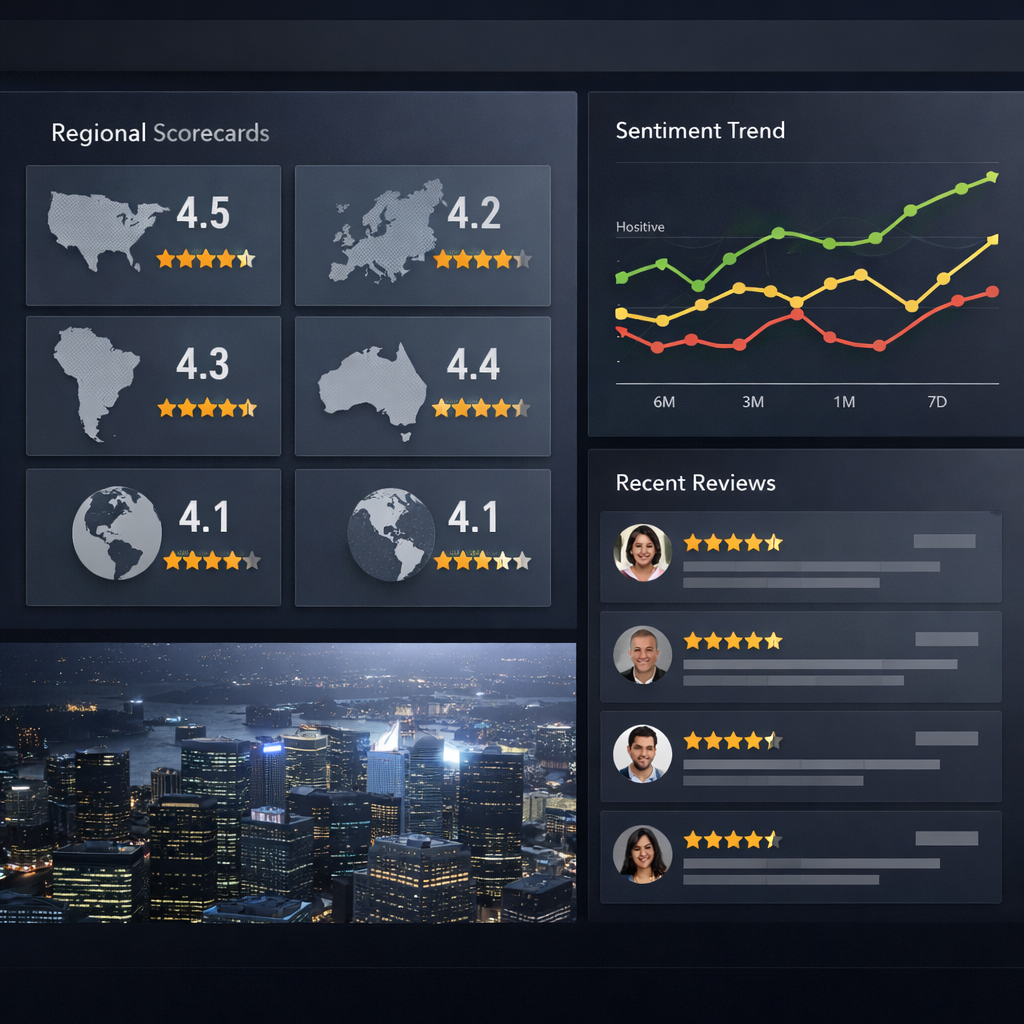
Core strengths: The product excels at cross channel listening, sentiment analysis software, reputation score tracking, and linking customer feedback to operational data for executive reporting. Expect role based access, audit trails, compliance controls, and configurable executive dashboards rather than simple review collection funnels.
- Sentiment and root cause analysis: automated sentiment scoring and theme extraction to surface systemic issues across regions
- Governance and compliance: role based workflows, approval flows, and audit logs useful for regulated industries
- Enterprise integrations: connectors to CRM, call center logs, surveys, and data warehouses for richer experience analysis
- Reputation score tracker and benchmarks: multi region dashboards and competitor analysis tools for macro level brand health
- Employee and CX feedback linking: combine employee feedback and operational metrics to explain rating shifts
Important limitation: Reputation.com is not optimized as an SMS first review generation tool. If your primary objective is rapid review volume growth using SMS based invites, an SMS focused vendor will produce faster ROI.
Practical tradeoff: You gain governance and reporting but pay in implementation time and cost. Expect a multiweek to multimonth rollout that requires data mapping, a cross functional project team, and executive alignment if you want to use the platform for enterprise scorecards and regulatory reporting.
Concrete example: A national hospitality chain uses Reputation.com to roll up review trends, survey scores, and call center transcripts into a single regional dashboard. Regional ops teams receive weekly alerts for recurring service issues while corporations use the reputation score tracker to justify targeted training investments.
If you operate hundreds of locations or are in a regulated sector and need centralized governance, Reputation.com is one of the few tools that scales to that level.
Key takeaway: Pick Reputation.com when governance, compliance, and enterprise reporting matter more than rapid SMS driven review generation. For faster review growth at local scale choose an SMS first tool and reserve Reputation.com for brand level analytics and controls.
Next consideration: Budget for implementation effort and plan a pilot focused on a single region plus a small set of KPIs like reputation score movement and time to issue resolution before scaling enterprise wide.
Yext
Main point: Yext is a listings and publisher network engine first and a review tool second. If your problem is inconsistent business data across many directories, Yext removes manual updates at scale. If your problem is low review volume or SMS driven review capture, Yext will only be part of the solution.
What Yext actually delivers
- Network push: Sync business name, hours, menus, and product-level details to a large directory and publisher network so changes propagate from a single source.
- Knowledge Graph and schema: Yext publishes structured data that search engines and third party services read – this helps consistency and can improve how listings appear in search results.
- Centralized audit trail: Track who changed what and when across hundreds of locations, which matters for franchised operations and compliance.
- Review monitoring coverage: Aggregate reviews from many publishers into one dashboard so ops teams do not need to hunt multiple sites.
Key tradeoff: Yext moves data, it does not reliably move people. Brands pay for clean listings and better presence. That improves discoverability and prevents listing complaints, but it does not replace active review generation or two way messaging workflows that increase review counts.
Practical limitations you should know
- Write limits and publisher rules: Some directories accept direct updates, others require manual verification or will not accept certain fields. Expect exceptions that need human handling.
- Review collection capability is basic: Yext monitors and surfaces reviews but its review invite features are not optimized for SMS first campaigns. For high review conversion use an SMS focused tool alongside Yext.
- Sync delays and duplicates: Changes usually propagate but not instantly. Duplicate listings and stale entries can persist unless you run regular cleanup audits.
- Sentiment and context gaps: Yext offers analytics but algorithmic sentiment tags miss nuance. Do not rely solely on the score to set policy or public relations responses.
Concrete example: A regional retail chain used Yext to push holiday hours, updated product availability, and new store addresses to about 120 publisher listings. When a third party displayed incorrect hours and customers posted negative reviews, the brand used Yext to correct the listings quickly and then used a separate SMS review flow to ask recent customers to update their reviews, improving clarity and recapturing some lost conversions.
If your priority is consistent public business data and structured listings at scale, Yext is one of the few practical options. If you need review volume growth or two way SMS contact, plan to pair Yext with an SMS-first review tool.
Key takeaway: Use Yext to lock down listing accuracy and reduce directory related complaints. Then pair it with an SMS review generator for review growth.
ReviewTrackers
Clear fit: ReviewTrackers shines when your priority is centralized monitoring and straightforward reporting across multiple locations. It is not the tool to choose if your main need is SMS review generation or advanced customer experience automation.
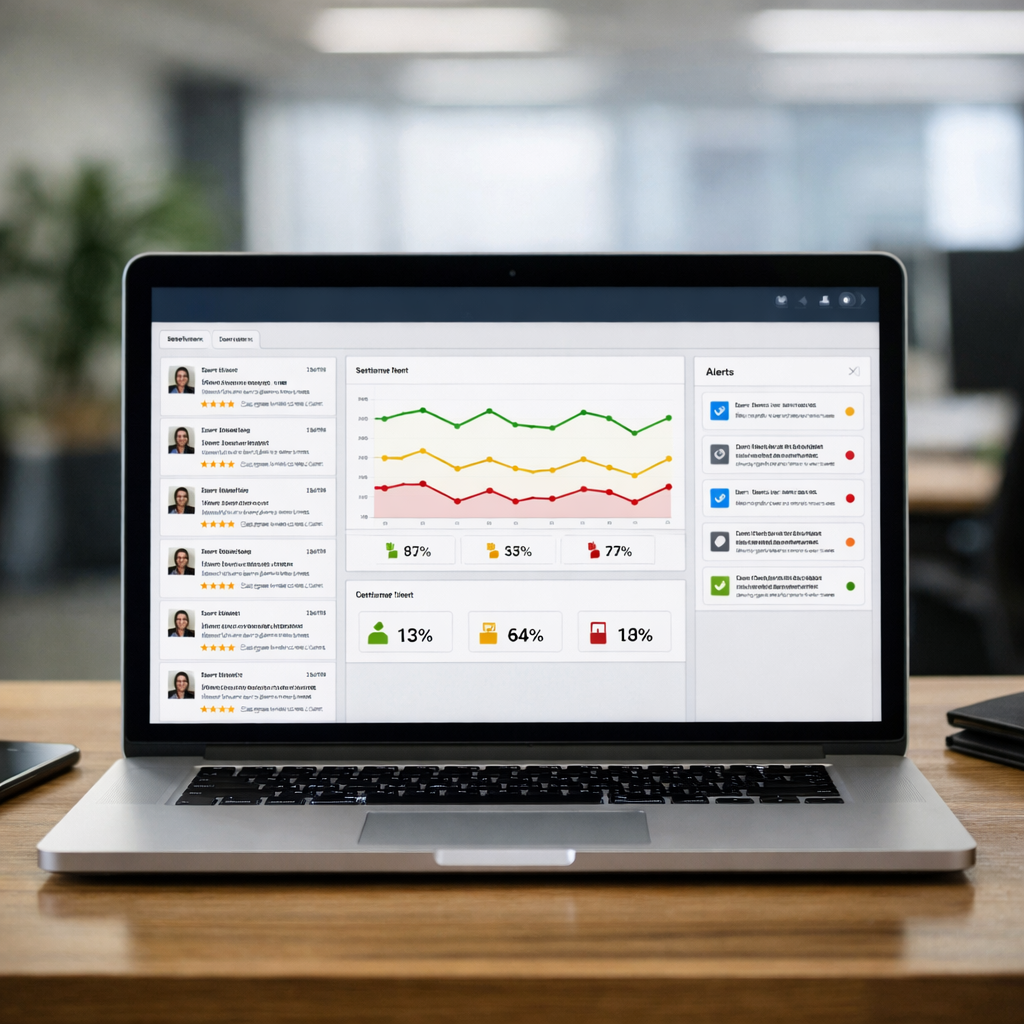
What it does well: ReviewTrackers consolidates reviews from major publishers into a clean multi location dashboard, offers customizable alerts for new or negative reviews, and provides simple exportable performance reports. The platform includes competitor tracking so you can watch peer ratings and review volume trends without manual searches.
Practical setup and a recommended workflow
Setup snapshot: Connect your Google Business Profile, Facebook, Yelp, and other review sources, then create alert rules for negative reviews and review spikes. Assign a local owner to each location and configure a weekly report that exports rating trends and top issues for operations.
Workflow tip: Use the alert router to push negative review notifications to the store manager and a copy to regional operations. That shortens response time and creates a documented follow up path for escalation and remediation.
Concrete example: A six location restaurant group used ReviewTrackers to centralize feedback. They set alerts for any review under three stars and assigned the assistant manager at each location to respond within 24 hours. Within eight weeks they reduced average response time from four days to 12 hours and identified a repeat complaint about wait times at one location that operations addressed.
- Strength: Fast to deploy and easy for nontechnical teams to use for daily monitoring and executive reporting
- Tradeoff: Limited native review collection features – ReviewTrackers does not focus on SMS-first review invites or two way messaging
- Unique capability: Competitor tracking gives context to your rating trends so you are not optimizing in a vacuum
- Integration note: For SMS driven review campaigns pair ReviewTrackers with an SMS platform.
| Area | How ReviewTrackers performs |
| Monitoring coverage | Good – aggregates major publishers and offers location filtering and competitor feeds |
| Review collection | Basic – relies on external channels for collection; not optimized for SMS invites |
| Reporting and alerts | Strong – exportable reports and configurable alerting make it easy to operationalize |
| Integrations | Solid for CRMs and help desks but advanced experience management integrations are limited |
Key takeaway: Choose ReviewTrackers when you need simple, reliable monitoring and reporting across locations and want competitor context. If you also need high volume SMS review generation or two way messaging, plan to pair it with an SMS-first tool.
Next consideration: Run a short pilot focused on alerting and reporting exports. Verify that alerts reliably reach the right local owner and that exported reports match the metrics your operations team uses. For collection gaps, test a paired SMS provider and measure the delta in review volume over 30 days. For market context, see aggregated vendor feedback on G2.
Grade.us
Core point: Grade.us is built for agencies and consultants who need white-label review funnels and client-facing dashboards, not for brands that want an all-in-one listings or social listening platform.
Grade.us focuses on review generation and presentation. You get branded review landing pages, embeddable widgets, campaign-level funnels, and client reports that agencies can resell under their own name. Integrations are pragmatic: native review links for Google, Facebook, and industry sites, plus Zapier and API hooks to connect SMS or CRM tools.
What Grade.us does well
- White-label review funnels: Create client-branded landing pages and send invite links that mask the vendor, which matters for agencies selling ongoing reputation services.
- Shareable widgets and displays: Embed verified reviews on client sites or kiosks quickly; useful for conversion-focused pages like booking or menu pages.
- Client management: Per-client funnels, scheduled reports, and role controls make it efficient to manage dozens of local accounts from one dashboard.
Practical limitation: Grade.us does not replace a listings manager or deep sentiment analysis tool. It will not sync business hours across hundreds of directories, nor will it provide enterprise-grade NLP dashboards. Expect to combine Grade.us with a listings tool or an analytics platform if those needs matter.
Trade-off to accept: You buy control and brandability at the cost of setup time. Each client funnel benefits from customization, so agencies must standardize templates and on-boarding to keep margins healthy. If you try to operate Grade.us like a plug-and-play solution, you will spend more hours than expected on per-client tweaks.
Concrete use case
Agency example: A regional marketing agency runs Grade.us for eight boutique salons. They create a white-label review page for each salon, set up email and SMS invite triggers via Zapier and an SMS provider, and embed a rotating review widget on each salon site. Within six weeks the salons doubled review volume on Google and Facebook, and the agency packaged weekly scorecards into a premium retainer.
On-the-ground judgment: Grade.us works best when you treat it as a client-facing product rather than a full reputation stack. Use Grade.us to generate and showcase positive reviews, then feed those reviews into a CRM or reporting tool for long-term measurement. Do not expect automatic negative-review suppression or advanced competitor listening from this platform.
- When to pick Grade.us: You run an agency or manage multiple local clients and need branded review funnels, widgets, and client reporting.
- When not to pick Grade.us: You need listings synchronization, social media monitoring, or enterprise sentiment dashboards as your primary requirement.
Key takeaway: Grade.us gives agencies clean, brandable review funnels and display tools. It accelerates review volume and presentation, but you will need complementary tools for listings, two-way messaging, and deep analytics.
How to choose the right reputation management platform
Start with what you need the tool to change, not which vendor looks shinier. If your priority is driving more reviews from field service calls, SMS review invites and two-way messaging matter far more than a fancy dashboard. If you operate dozens of storefronts, accurate listings sync and location-level ownership are the real differentiators.
Minimum feature test every vendor should pass
- Automated review capture that matches your channel mix – vendors that only offer email invites are the wrong choice for phone-first businesses.
- Direct Google Business Profile connection – avoid platforms that force manual exports or screen-scrape reviews.
- Two-way messaging and templated responses – templates plus a shared inbox cut response times; poorly designed inboxes kill adoption.
- Clear pricing model by volume and locations – watch for per-message or per-number costs that explode with growth.
- Data portability and exports – you must be able to export review data, response history, and customer contact lists without vendor lock-in.
Practical tradeoff to accept. Simpler, SMS-first tools convert reviews quickly and are cheaper to stand up, but they usually sacrifice deep sentiment analytics and granular governance. Enterprise solutions give better reporting and role based access but take longer to implement and cost more. Pick the side that aligns with who will use the tool day to day – operators or executives.
Red flags you should walk away from
- Opaque message pricing – vendors that hide per-message or short code fees will surprise you after volume ramps.
- No native listings sync to major directories – if Google and Yelp require manual updates, local discovery will suffer.
- Slow review ingestion – a tool that takes days to surface new reviews is functionally useless for quick responses.
- No export or API access – lack of data control is sign of future vendor lock-in and reporting headaches.
Concrete example: A regional HVAC company with 12 service zones runs technicians who finish jobs and need immediate review invites. They chose an SMS-first product after testing three vendors on deliverability rates and template conversion. Within six weeks the company saw a 45 percent lift in monthly review volume because messages were sent while the interaction was fresh and technicians could follow up via two-way replies.
What most buyers misjudge. Teams fixate on analytics and sentiment dashboards during vendor demos. In practice the tougher work is the operational rollout – staff training, templated responses, and ownership per location. If your team will not use the inbox and templates, the analytics are vanity.
Quick decision checklist: match channel (SMS vs email), confirm Google connection, verify message pricing, check listings coverage, and ensure data export. For SMS-heavy local services pick an SMS-first platform; for directory-heavy retail chains pick listings-focused tools; for compliance-bound enterprises pick an experience platform with governance.
Next consideration. Run a short vendor proof-of-concept limited to one region or business line and measure review lift, response time, and cost per acquired review. Use the trial to validate operational adoption more than dashboards.
Implementation and measurement best practices
Implementation succeeds when the process comes before features. Pick the handful of workflows you will actually operate, review collection, response, and escalation, then configure the software to enforce those workflows. Without that discipline you get dashboards that look nice and no operational change.
Implementation checklist
- Connect the right channels: link Google Business Profile, Facebook, Yelp and any industry sites your customers use; if you plan to use SMS invites make sure the vendor supports two-way messages and compliance rules.
- Map ownership: assign a single owner per location and a back-up. Ownership is the most common failure point, software does nothing if nobody owns the inbox.
- Standardize response templates: create short, empathetic public replies and private follow-up scripts. Use templates as time-savers, not replacements for personalization.
- Configure alerts and escalation: set automatic flags for 3-star-or-lower reviews, copyright or medical complaints, or legal keywords and route them to the right manager immediately.
- Automate invites with rules: trigger review requests from POS, appointment systems, or check-out events. Keep timing tight, 30 minutes to 48 hours after service gets the best response.
- Preserve opt-out and compliance: implement do-not-text lists, clear consent language, and storage of communication timestamps for audits.
- Integrate reporting to ops: push key metrics into the people who act on them, operations dashboards, not just marketing BI.
Practical limitation to plan for: automation increases volume but also noise. Expect more one-star queries and non-actionable comments; you need manual triage capacity. Also, sentiment analysis software is fast but imperfect, it flags trends, not final judgments. Treat automated sentiment as a signal, not the final metric for promotions or disciplinary action.
Measurement: KPIs and cadence
| KPI | Why it matters | Measurement cadence |
| Review volume (new reviews/month) | Volume reduces sampling bias and improves search conversion | Weekly during first 90 days, then monthly |
| Average rating | Overall quality signal that affects visibility and conversion | Monthly with trendline review |
| Average response time | Faster public responses correlate with customer trust | Weekly until under 24 hours, then monthly |
| Sentiment trend (topic-level) | Early warning on products, locations, or staff issues | Weekly with a monthly deep-dive |
| Listings accuracy score | Wrong hours or addresses cost searches and trust | Monthly or after any major change |
Concrete example: A four-location salon chain enabled automated SMS review invites and assigned a store manager to handle flagged reviews. They routed all 3-star-or-below items to operations for same-business-day triage and ran weekly reports; within eight weeks they saw increased review volume and cut their average public response time to under 24 hours, which improved local search visibility.
Key governance rule: one person must own a review response for each location and one person must own measurement. If those two roles are ambiguous the tool will not deliver outcomes.
Measure what you will act on. If you cannot commit to responding within your SLA, do not include response time as a KPI.
Next consideration: pick the vendor that enforces these workflows without manual workarounds and test the reporting export to your operations tools early.
Frequently Asked Questions
Straight answer first: the questions buyers ask about reputation management software are usually operational, who will send invites, how fast the team can respond, and which channels the tool covers. Focus on those, not feature lists.
Quick answers to the questions we see most
- How do I measure success? Track monthly review volume, average rating, response time, and a simple conversion metric like review requests sent → reviews received. Those four numbers tell you if the tool and process are working.
- Can software remove negative reviews? No reliable vendor can delete legitimate reviews on demand. Removal is limited to platform policy violations. Your best options are fast public replies, off-platform resolution, and asking for updated reviews after the issue is fixed.
- Will this help SEO or search presence? Indirectly. Search benefits come from higher review counts and fresher activity on Google Business Profile. Don’t buy reputation management software expecting immediate organic rankings, expect conversion lift from better review signals over months.
- Do I need listings sync? If you manage more than a handful of locations, yes. Listings sync reduces complaints about wrong hours and avoids negative reviews driven by basic directory errors.
- How much does it cost to run SMS review requests? Expect per-message costs plus platform fees. SMS converts better than email for local services, but factor message volume, compliance opt-ins, and staffing for replies into your budget.
- Is sentiment analysis reliable? Sentiment scores are a useful flag, not a verdict. Automated sentiment will misread context and niche vocabulary. Use it to prioritize manual review, not to auto-fire executive alerts without human check.
Practical limitation to plan for: reputation management software aggregates signals, but it does not fix your service delivery. If your reviews show repeated complaints about the same issue, the software surfaces the problem, you still need an operational fix. Expect the platform to expose problems faster than you can resolve them.
Concrete example: A mid-size HVAC company used automated SMS invites after service completions and saw review volume double in six weeks. The dashboard highlighted one installer with recurring complaints; managers retrained the technician and followed up with affected customers. Within two months the average rating improved and negative mentions dropped in subsequent reviews.
What most teams get wrong: they buy for features they won’t use. Fancy sentiment dashboards and competitor analysis look good in demos but add cost and complexity. Buy for the channel that will actually reach your customers and for the workflow your operations team can sustain.
Actionable quick checks before you buy: 1) Verify direct Google Business Profile integration, 2) Confirm SMS sending limits and costs, 3) Ask for data export samples (CSV) to plug into your reporting, 4) Check whether the product supports per-location response ownership.
Next actions you can take today: map where your reviews currently appear, pick one capture channel to prioritize (SMS if you serve consumers in person), assign a single person with a 24-hour response SLA, and confirm the vendor can export raw review data for your reports. If you want a quick vendor check, compare user ratings on G2 and validate feature pages on vendor sites.

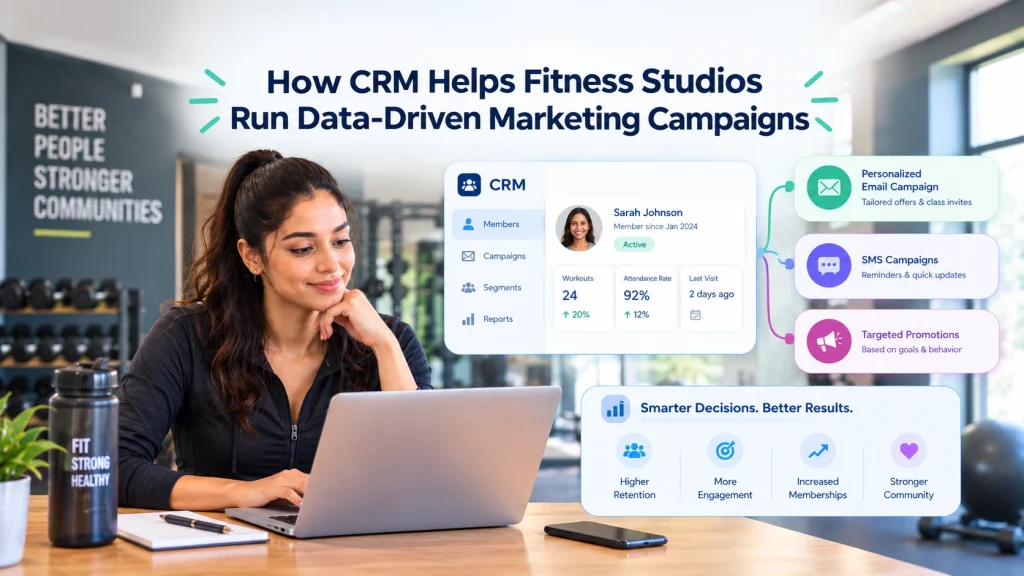
Ready to Run Successful Marketing Campaigns and Grow Your Business?
Gleantap helps you unify customer data, track behavior patterns, and automate personalized campaigns, so you can increase repeat purchases and grow your business.
Ready to Run Successful Marketing Campaigns and Grow Your Business?
Gleantap helps you unify customer data, track behavior patterns, and automate personalized campaigns, so you can increase repeat purchases and grow your business.