
 Divya Ghughatyal
If your front desk is drowning in last-minute bookings, waitlists, and no-shows, an AI receptionist for gyms can take that load off, automating class bookings, confirmations, and waitlist moves around the clock. This practical use case shows exactly how an ai front desk can plug into scheduling platforms like Mindbody and Zen Planner, cut no-shows, and free staff time, with step-by-step setup, message templates, and vendor examples you can deploy in 60 to 90 days. Where helpful, we use Gleantap as a real example of conversational automation layered on top of existing gym management software.
How an AI Receptionist Works for Fitness Studios
Direct point: An AI receptionist replaces routine booking work with a 24 7 conversational layer that handles booking, cancellations, waitlist moves, and reminders while routing exceptions to staff. This is not a replacement for your team, it is a reallocation of repetitive tasks so humans focus on retention and higher value problems.
End to end booking flow
- Intent capture: Member messages via SMS, web chat, WhatsApp, or Facebook Messenger with a plain language request such as book spin 6pm.
- Authentication: System checks member status with the scheduling platform and confirms eligibility to book.
- Availability check: AI queries Mindbody, Zen Planner, Vagaro, or ClassPass for real time capacity and waitlist status.
- Confirmation: AI creates the booking, sends a one tap calendar add and a concise confirmation SMS or chat receipt.
- Reminders and nudges: Scheduled reminders with one tap cancel or reply Y to confirm, plus automated offers to waitlist members if a spot opens.
Practical insight: Real time sync with your scheduling platform is the single most important integration. Without accurate availability checks you trade convenience for overbookings and frustrated members. Prioritize platforms with mature integrations and test edge cases such as concurrent web bookings.
Concrete example: A prospect texts book spin 6pm after seeing your schedule on Instagram. The AI checks Mindbody for capacity, confirms a spot, charges the trial credit card if required, and sends a confirmation SMS with a calendar link. Two hours before class the AI sends a one tap confirm message and moves a canceled seat to the waitlist automatically.
What the AI handles and what it does not
Handled well: routine booking flow, calendar invites, automated reminders, waitlist promotion, and simple upsells at end of flow. These are high volume low judgement tasks where AI saves staff multiple hours per day.
Limitations and tradeoffs: The AI will struggle with complex membership disputes, bespoke invoicing issues, or ambiguous requests that require human empathy. Also expect some setup work: mapping membership rules, deciding cancellation windows, and writing short message copy. There is a tradeoff between fully automated tone and the personal touch your long term members expect. Tune the voice for your brand and keep a clear escalation path to staff.
Operational consideration: SMS costs and opt in rules matter. Obtain consent, provide an unsubscribe path, and log consent records. If you use automated payment prompts, test them separately to avoid failed charges and surprise disputes.
Judgment call: Many studios mistake a booking widget for an AI front desk. A widget requires the member to find and use it. A true AI receptionist meets members where they already communicate and closes the loop with confirmations and reminders. Expect better uptake when you combine conversational channels with your scheduling system.
Key takeaway: Deploy conversational booking on the channels members already use, sync it in real time to Mindbody or Zen Planner, and reserve human staff for edge cases.
Next consideration: Before you buy, map 10 common front desk interactions and test them end to end with the vendor over a week. That reveals integration gaps faster than any sales demo.

Automating Class Booking and Capacity Management
Direct point: Automating bookings is not just about taking reservations, it is about keeping capacity accurate across every channel in real time so you stop losing revenue to false spots and stop overselling classes that damage member trust.
How real-time capacity sync works in practice
Core flow: When a member asks to book, the AI receptionist for gyms checks the scheduling system, applies your business rules (member priority, pack credit, drop-in availability), reserves the seat, then updates the source of truth and sends a confirmation. If any step fails the flow should surface a clear error and hold the seat for only a short window rather than silently overbook.
- Priority rules: Reserve spots for recurring members or packages first, then open remaining slots to drop-ins and marketplace partners.
- Buffering tactic: Hold 1–2 seats as walk-in buffer during peak times to reduce front desk friction; release them automatically 30 minutes before class.
- Waitlist automation: When a cancellation happens, automatically offer the spot to the top waitlist member with a one-tap accept link that expires quickly.
- Confirmation ordering: Update the scheduling platform before sending a confirmation message to avoid sending misleading receipts.
Practical consideration: Not all scheduling platforms give the same latency or webhook reliability. If you use Mindbody, Zen Planner, Vagaro, or ClassPass, treat each as a different reliability profile and design retry logic and human fallback steps accordingly. See the Mindbody guide for scheduling best practices Mindbody article.
Concrete example: A boutique studio uses Zen Planner as its source of truth and layers a conversational layer via Gleantap to handle SMS bookings. When a member replies BOOK, the AI checks class capacity, assigns the next available slot, sends an immediate SMS receipt, and moves anyone on the waitlist into a pending offer. That reduced manual waitlist handling during evening rush by freeing the front desk to manage in-studio tasks.
Limitation and tradeoff: Full real-time automation requires either reliable webhooks or frequent polling. Polling increases API calls and can still introduce 30–120 second delays; webhooks require vendor support and proper error handling. If your scheduling platform is weak on real-time updates, build defensive UI language (for example, show temporary hold and require final confirmation) and train staff to resolve edge cases.
Operational judgment: Do not treat every class the same. For high-value classes (small capacity, high demand), tighten reservation windows, require confirmations, and use automated penalties or prepaid holds. For open drop-in classes, favor speed and simple one-tap booking. The right mix boosts fill rate without increasing no shows.
Key takeaway: Automate the booking-to-schedule update as an atomic step. If that step can fail quietly, your automation will create more work, not less. Use the AI to orchestrate capacity rules, but keep a short human escalation path for exceptions.

Next consideration: Start with one channel and one class track, measure fill rate and booking-confirm latency, then scale. If you want templates and flows that map to common scheduling platforms, Gleantap provides prebuilt conversational automations you can adapt quickly, that saves configuration time and captures real-world edge cases studios actually run into.
Reducing No Shows and Managing Waitlists
Direct point: The easiest way to cut no shows is to make cancelling or confirming trivial and to move empty spots to willing members immediately. That requires a short, predictable sequence of messages, fast notifications to waitlist members, and a hard dependency on accurate capacity in your scheduling system.
How the sequence should behave in practice
Design the flow so each interaction asks for a single, low-effort action. Use SMS as the primary channel for time-sensitive prompts and email for non-urgent summaries. Two way confirmations and one-tap cancel links outperform generic reminders because they create a micro decision moment for the member.
- 48 hours before: Send short reminder with one-tap cancel link. Message: Reminder: Hot Power 6PM Tue. Reply CANCEL or tap to free your spot for others.
- 24 hours before (optional for high-value classes): Gentle nudge for classes that historically have high no-show risk.
- 2 hours before: Send a one-question confirmation. Message: Are you coming to 6PM? Reply Y to confirm or N to release your spot. If no reply within 20 minutes, auto-mark as uncertain and begin waitlist offer.
- When a spot opens: Immediately notify first waitlist member via SMS with a claim link that expires in 5 minutes. If not claimed, auto-offer to next member. Limit claims to two rounds to avoid churn.
- At-door handling: If a confirmed member is late past a configurable grace period, release the spot to any remaining waitlist holders or keep as first-come walk-in.
Practical trade-off: Tight claim windows increase fill rate but frustrate members who do not watch their phones. Longer windows reduce fill rate. Choose a window based on your studio culture and class duration; for busy evening classes use 3 to 5 minute claim windows, for casual daytime classes allow 10 to 15 minutes.
Common failure modes and how to avoid them
- Out-of-sync capacity: If Mindbody, Zen Planner, or your gym management software is not updating in real time, your AI front desk will promise seats you do not have. Prioritize integration health checks before relying on automated releases.
- Message fatigue: Too many reminders train members to ignore them. Limit to three messages per booking and vary phrasing. Use one clear CTA per message.
- Overuse of penalties: Charging late fees reduces no shows but damages retention if applied without clear communication. Use penalties sparingly and pair with upfront policy reminders at signup.
Concrete example: A boutique Pilates studio using Mindbody plus Gleantap configured a 48-hour reminder with a one-tap cancel and a two-hour confirmation. When someone cancelled, the first waitlist member received an SMS with a two-minute claim link. The studio filled more classes in the evening track without adding staff time, and front desk interruptions during peak hours dropped noticeably.
One subtle judgment: automated reminders do not eliminate no shows completely. They reduce accidental no shows where members forget. They do much less for intentional no shows or members who overbook themselves. To handle those, combine smart reminders with simple incentives to cancel early and a consistent, clearly communicated penalty policy.
Measure what matters: Track fill rate, no show rate, waitlist conversion rate, and time from cancellation to fill. Use baseline exports from Mindbody or Zen Planner and compare weekly. Small percentage shifts in these metrics are the fastest way to justify automation costs.
Message templates you can deploy today: Use short, action-oriented copy. Example waitlist onboarding: Youre on the waitlist for Hot Power 6PM. We will SMS when a spot opens. Reply STOP to opt out. Example claim SMS: Spot open for 6PM. Tap to claim now: [claim link]. Expires in 5 minutes. Keep text under 160 characters and always include an opt out.
If you use automated penalties, be transparent. Add a reminder about the cancellation policy at booking and in the 48-hour reminder. Studios that hide penalties see backlash; studios that remind members see compliance and fewer disputes.
Gleantap can run these conversational sequences layered on top of your scheduling platform so the messages and claim links are generated automatically. Use a short pilot of one high-demand class to tune timings and voice before rolling out across all classes.
Final operational next step: pick one class with a chronic no-show problem, set up the 48-hour and 2-hour flow, link it to your scheduling platform, and run a three week test. Watch waitlist conversion and member complaints closely; adjust claim windows and message cadence until you hit a stable rhythm.
Quick win: a single one-tap cancel link in a 48-hour reminder and an automated 2-hour confirmation will reduce accidental no shows and unlock immediate revenue from your existing waitlist.
Member Communication That Increases Booking Conversions
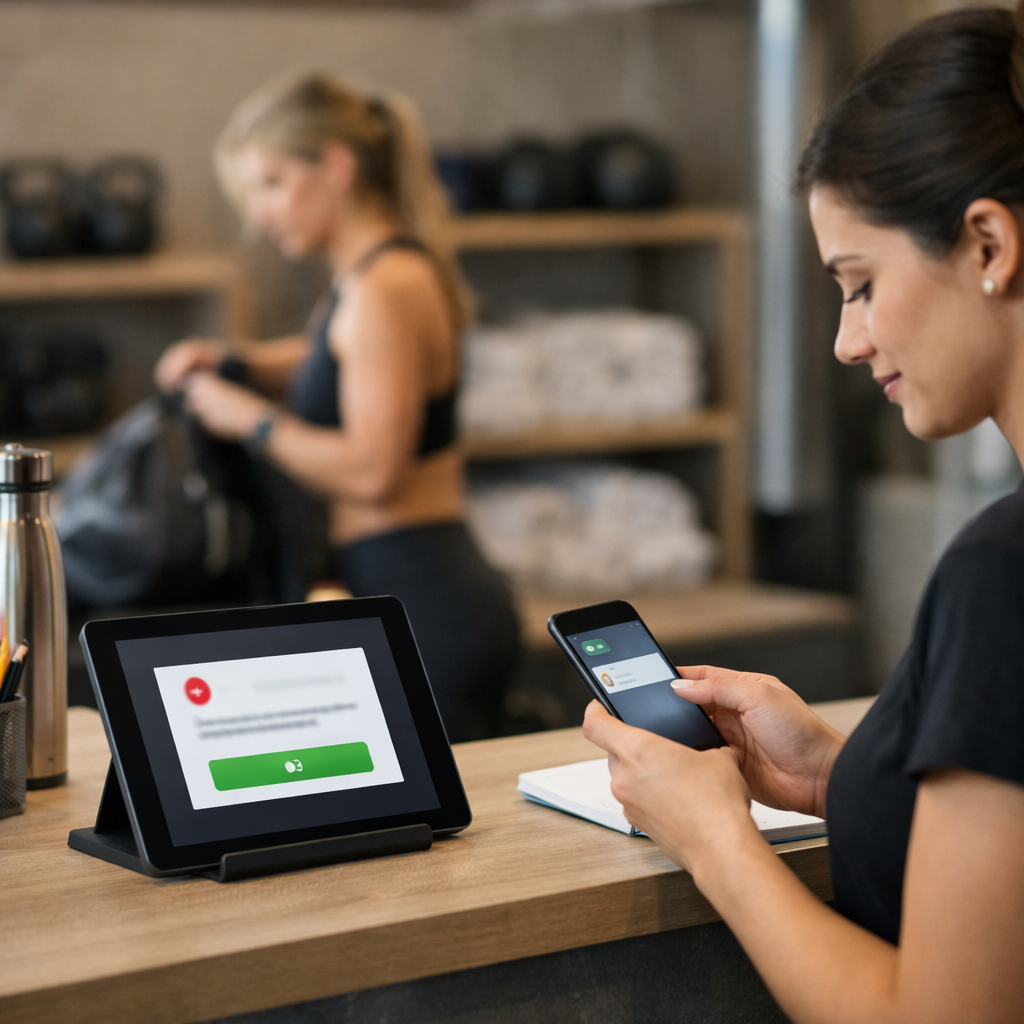
Key point: Personalized, timely outreach from an AI receptionist for gyms turns casual interest into actual class bookings more reliably than static schedules. Use an ai front desk to meet members where they are, SMS for same-day decisions, email for weekly planning, and chat for browsing, and prioritize one clear action per message: book now, confirm, or reschedule.
High-impact messaging patterns
- Trial conversion flow: Send a succinct day-of SMS with a direct booking link and a one-day-only incentive. Follow with a 48-hour reminder if they opened the link but did not book.
- Rebooking nudge after an attended class: Within 24–48 hours suggest two similar classes and include a single-tap book button tied to their account.
- Browse abandonment: If someone looks at a class on your site or chat and leaves, trigger a short chat or SMS within 30 minutes offering availability or an alternate time.
- Scarcity-driven prompts: When a popular class drops to low capacity, push a one-line alert to members who previously attended that class type.
- Segmented sequences: Separate high-frequency members, infrequent visitors, and trialists; each group gets different cadence and CTAs.
Concrete example: A trial member signs up online, and your virtual receptionist gym sends a day-of SMS: We saved you a spot at 6PM today, tap to confirm. If they attend, an automated follow-up 24 hours later suggests a similar 6PM class next week with a limited discount on a first-month package. In practice this sequence, run through Mindbody and orchestrated by Gleantap, converts far better than a single marketing email because it times the offer to the member’s intent.
Trade-off to manage: Aggressive cadence converts more fast-moving prospects but increases opt-outs and complaints. Set a hard cap (for example, 3 SMS per week per member) and use channel preference data so members who prefer email do not get SMS blasts. Also separate transactional messages (booking confirmations, cancellations) from promotional pushes to stay compliant and keep inbox fatigue low.
Data quality and personalization limits: Personalization helps, but only if attendance and membership data are accurate. An automated gym receptionist that recommends classes based on stale attendance will frustrate members. Prioritize real-time integration with your scheduling system, Mindbody, Zen Planner, or Vagaro, before investing heavily in personalized recommendation logic.
What to measure fast
- Message-to-book conversion rate: Percentage of messages that result in a booking within 24 hours.
- Click-through rate (CTR) on booking links: Early indicator of message effectiveness.
- Rebooking rate after attended class: Tracks whether follow-ups drive retention.
- Opt-out rate and complaint volume: Safety checks on cadence and tone.
- Revenue per message or per sequence: Helps justify subscription cost of an AI scheduling tool.
Practical judgment: Start with short, single-CTA messages and measure message-to-book conversion rather than open rates. Operators often chase fancy personalization when simple timing and a clear CTA are the real levers. Use A/B tests on timing and CTA language, not on long, multi-offer messages, to find what actually drives bookings.
Actionable takeaway: Prioritize one timely, personalized message per booking opportunity. Integrate your ai front desk with scheduling data first, cap message frequency to prevent opt-outs, and measure message-to-book conversion within the first 30 days to decide scaling.
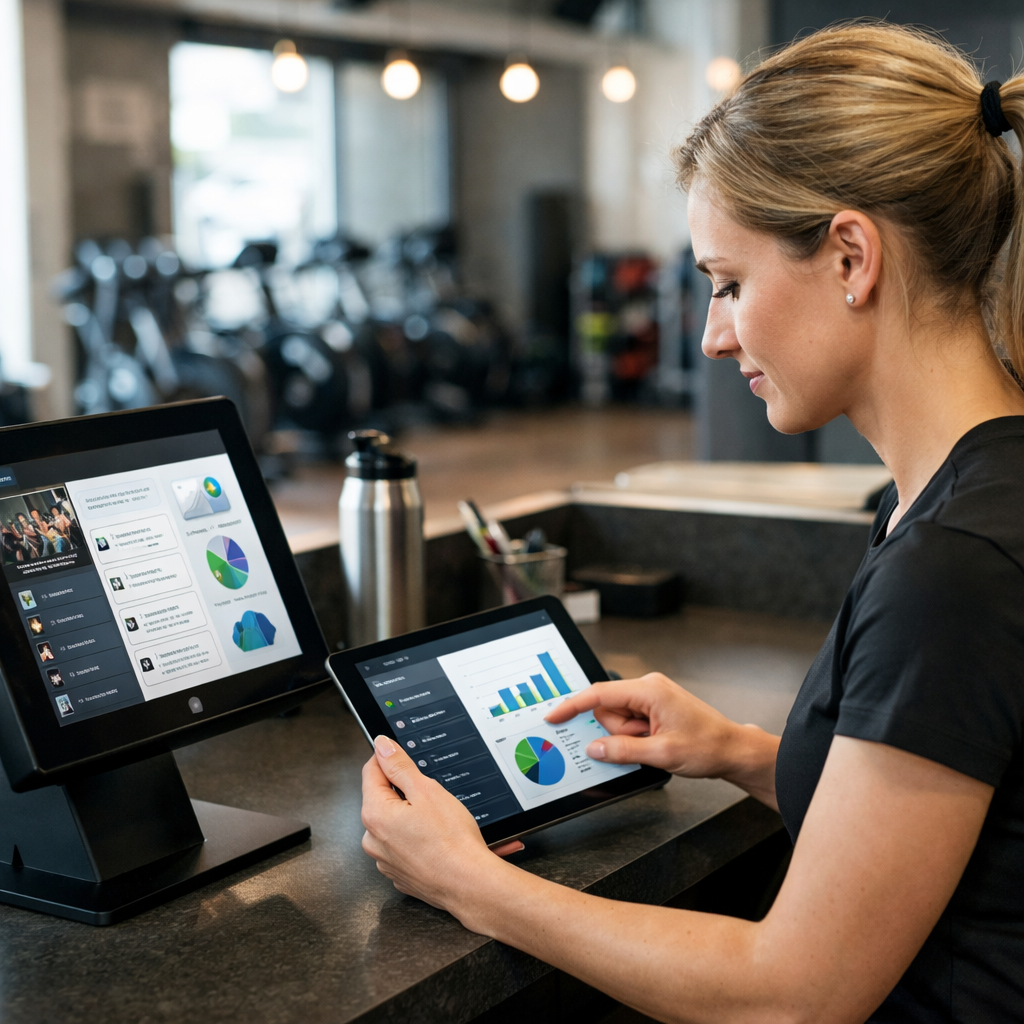
Next step to try: Run a 2-week pilot that targets trialists and first-time attendees with the sequences above, pull conversion figures from your gym booking system, and iterate message copy.
Integrations and Day to Day Workflows
Integration quality determines whether an AI receptionist saves minutes or creates more work. Focus on reliable, real time connections to the systems that actually run your business: scheduling, payments, SMS, and your CRM or email tool.
Prioritized integrations and what they enable
- Scheduling platform (Mindbody, Zen Planner, Vagaro) – Keeps class capacity accurate and powers waitlist promotions.
- Payments (Stripe, Square) – Allows the receptionist to take payments or charge passes during booking, preventing manual reconciliation.
- SMS provider or built in messaging – Sends confirmations and two way nudges that reduce no shows.
- Email platform (Mailchimp, Klaviyo) – Syncs membership tags and weekly schedules for non urgent communications.
- Marketplace connectors (ClassPass) – Ensure marketplace bookings reduce local capacity in real time to avoid double bookings.
- Front desk tools and POS – Syncs walk in check ins and retail sales to member records for a single view of the customer.
Practical insight: start with two integrations only – scheduling and payments. Most studios overextend early and then spend time fixing sync issues. A clean scheduling plus payment setup covers 80 percent of daily friction and gives the AI receptionist the information it actually needs to act.
Daily booking workflow in plain steps
- Member intent captured via SMS or web chat – the receptionist identifies class, time, and membership status.
- System check against scheduling platform – confirm availability and membership eligibility before holding a spot.
- Conditional payment or pass validation – charge a drop in or consume a class pack when required.
- Confirmation and calendar add – send immediate confirmation plus a reminder cadence set by the studio.
- Automatic waitlist promotion – when a cancellation happens, the system offers the spot by priority and closes loop on acceptance.
Limitation to plan for: not all integrations behave the same in practice. Marketplaces like ClassPass sometimes update slots with delay. Native, vendor built integrations usually have fewer errors. If your scheduling platform has poor webhook reliability, add a short reconciliation step at the end of each day to catch mismatches.
Example: a member texts to reserve a 6am spin. The AI receptionist checks Mindbody, confirms a single remaining spot, charges the drop in fee through Stripe, and sends an SMS receipt plus a two hour reminder. If the member cancels, the receptionist immediately offers the spot to the top waitlist member and updates Mindbody so the front desk does not have to intervene.
Operational tradeoff: deep integration into every tool provides smoother automation but takes longer to set up and maintain. If you run a single location studio, prefer stable native connectors first. If you run multiple locations or a custom setup, budget ongoing maintenance time or a vendor that handles sync issues for you.
Key metric to watch: sync latency between your AI receptionist and scheduling platform. Aim for under 60 seconds for critical flows. If latency spikes, automate an immediate staff alert for manual intervention.
How Gleantap fits: use Gleantap to layer conversational flows and recovery campaigns on top of your scheduling platform and payments. Gleantap also provides templates for reminders and waitlist offers that reduce manual edits.
Daily checklist for staff when the AI receptionist is live: verify morning sync report, confirm any flagged booking conflicts, review waitlist promotions accepted overnight, and spot check receipts for walk ins. One short recon period prevents customer confusion and keeps automation trustworthy.
Next consideration: after the first 30 days measure sync errors and staff time saved. If errors are under control, add email sync and marketplace connectors next. If not, pause the new connectors and fix the core scheduling-payment loop first.
Step by Step Implementation Checklist for Studios
Start with the hard facts: an AI receptionist only earns back time if the studio’s schedule rules, member data, and communication channels are tidy. Fix the inputs first; automations run on whatever you feed them.
Pre-launch (Week 0–2)
- Audit booking sources: List every way members currently book (website widget, Mindbody, ClassPass, walk ins, phone, Instagram DMs). Count which channel drives the most last-minute changes.
- Export schedule rules: Capture recurring class templates, capacity per class, instructor exceptions, and cancellation windows. If your rules are fuzzy, automation will be wrong.
- Identify two pilot tracks: Pick one high-volume class and one lower-volume specialty class for the soft launch. Different classes expose different failure modes.
- Member data tidy-up: Remove duplicate phone numbers, confirm SMS opt-ins, and mark trial members separately. Keep a small sample of highly engaged members for early testing.
- Define success metrics: Record baseline fill rate, no show rate, and staff time spent on bookings. These are your launch KPIs.
Practical consideration: If a large share of bookings come from marketplaces like ClassPass, you must include that channel in the audit, otherwise capacity mismatches will happen the first week.
Setup (Week 2–4)
- Connect scheduling platform: Integrate your scheduling system (Mindbody, Zen Planner, Vagaro) with the AI receptionist. Test read/write on a staging class before going live.
- Configure intents and authentication: Map common member intents (book, cancel, waitlist, reschedule) and set quick auth rules, usually phone + last name or member ID.
- Message templates: Create concise confirmation, reminder, and waitlist messages. Keep SMS under 160 characters and include one clear CTA (confirm, cancel, or reschedule).
- Consent and compliance: Import opt-in records and add an easy unsubscribe flow. Store consent timestamps for every member.
- Staff training: Run a 60-minute session with front desk staff covering how the AI hands off complex issues and how humans reclaim a conversation.
Trade-off to accept: Faster automation means stricter auth. If you want one-tap booking via SMS, you must accept slightly longer onboarding for members to verify their number first.
Launch and optimize (Week 4–12)
- Soft launch on pilot tracks: Route only the pilot classes through the AI receptionist. Monitor real-time logs for failed bookings and auth errors.
- Measure weekly and iterate: Track fill rate, no shows, failed booking attempts, and time staff spent on bookings. Tweak reminder timing and message copy weekly.
- Stagger rollout: Add one class type per week. Avoid flipping the whole schedule at once, failures compound quickly.
- Waitlist and replacement flows: Test automatic promotions from waitlist to confirmed with live members before enabling across the board.
- Full staff protocol: Define who takes over escalations, how refunds are handled, and when to pause a flow if errors spike.
Concrete example: A 2-location studio connected Mindbody and used Gleantap to pilot evening yoga classes. They started with SMS confirmations and a two-hour reminder with a one-tap cancel link. In week two they identified a recurring auth failure for members who had outdated phone numbers and corrected contact records, which eliminated 70 percent of failed bookings for that class track.
Key judgment: Do not treat the AI receptionist as a plug-and-play replacement for human checks. Expect a 4–6 week tuning period where message timing, auth, and schedule rules are adjusted to match member behavior.
Must-have before wide rollout: accurate capacity rules in your scheduling software, confirmed SMS opt-ins, one tested class track, and a named staff escalation owner.
If you want templates and sequence examples to speed setup, Gleantap provides pre-built conversational flows for common studios and integrates cleanly with Mindbody. Use those as a starting point but expect to customize copy and cadence for your members.
Next consideration: After 12 weeks, compare actual savings in staff time and revenue from recovered seats to the monthly cost of the AI receptionist. If the numbers do not justify expansion, pause the rollout and optimize the highest-volume classes first.
Metrics to Track and Sample ROI Calculation
Start with five metrics that actually move revenue and workload. Track class fill rate, no show rate, staff time spent on booking tasks, speed to confirm bookings, and trial-to-paid conversion. These give you a clear line of sight to both operational savings and top line impact.
Which metrics to prioritize and how to measure them
- Class fill rate: percentage of available spots actually sold. Pull weekly class capacity and bookings from Mindbody or Zen Planner and divide bookings by total capacity.
- No show rate: percentage of booked members who did not attend. Measure at the class level and roll up to weekly averages so you can spot problem classes.
- Staff time on booking tasks: hours staff spend taking calls, responding to SMS, managing waitlists. Timebox a typical day for a week then average it.
- Speed to confirm booking: median time from member request to confirmation. Faster confirms reduce follow up and abandoned bookings.
- Trial to paid conversion: percent of trial attendees who convert within 30 days. Automation affects this via follow up and easy rebooking.
Practical measurement note. Use your scheduling platform export as the source of truth for bookings and attendance. Export a 4 week baseline before any automation and use the same date range after launch. If you use multiple booking sources, consolidate them first to avoid double counting.
Sample ROI calculation – conservative scenario
| Metric | Baseline | After automation | Notes |
| Classes per week x capacity | 10 classes x 10 spots = 100 spots | Same | Operational capacity unchanged |
| Average price per booking | $20 | $20 | No price changes in test |
| Fill rate | 70% | 78% | Conservative +8 percentage points from reminders, waitlist automation |
| Weekly revenue | $1,400 | $1,560 | 100 spots x price x fill rate |
| Staff booking time | 10.5 hrs/week | 5.25 hrs/week | 50% reduction from conversational booking and canned responses |
| Staff cost saved (weekly) | $189 | $94.50 | Assumes $18/hr |
| AI receptionist subscription | $0 | $250/month | Platform cost to compare against savings |
| Net monthly gain | $0 | $768 | Revenue uplift + staff savings – subscription |
Concrete example: A single location studio integrates an AI front desk with Mindbody and runs reminders plus waitlist flows for 8 weeks. Fill rate rises from 70 percent to 78 percent and staff booking time halves. The studio measures higher weekly revenue plus staff hours freed to sell retail and run outreach, producing a positive net return in month one after subscription cost.
Tradeoffs and things operators miss. Improving fill rate is good only if the incremental bookings are profitable. If you drive fill by discounting heavily you may increase attendance but reduce margin. Similarly, chasing every last no show with more reminders increases opt-outs and complaint risk. Test frequency and CTA language then pick the cadence that reduces no shows without spiking unsubscribes.
Measure both dollars and time. Savings in staff hours matter because they let you reallocate people to retention activities that compound revenue over time.
Where to get the data. Export bookings and attendance from your scheduling platform. If you use Mindbody, see their reporting tools and guides for class attendance.
Key takeaway – pick one high volume class track for a 6 to 8 week pilot, measure the five metrics listed, and use direct exports from Mindbody or Zen Planner to calculate revenue uplift and staff time saved. A conservative pilot will show whether automation pays without guessing.
Next consideration. If the pilot looks promising, expand flows and use conversational recovery sequences to boost trial to paid conversion. If you need a templates or flow examples, Gleantap provides conversational sequences that integrate with major schedulers and can speed up the measurement process. Try a controlled rollout so you can attribute changes to the automation rather than seasonal demand.
Frequently Asked Questions
Straight answer up front: the usual operator questions about AI receptionists have practical, testable answers. Below are concise responses, trade-offs to expect, and a concrete example you can adapt to your studio.
Can an AI receptionist handle last minute walk in sign ups at the front desk?
Yes, with setup. Configure the AI to capture minimal member details, check real time capacity in your scheduling system, create the booking, and send an immediate confirmation SMS. Trade-off: this works reliably only if your scheduling platform (Mindbody, Zen Planner, Vagaro) is the single source of truth, multiple unsynced sources will cause errors.
Will automating bookings increase no shows because members rely on reminders?
The opposite is more likely. Automated, two-way reminders that ask for a simple confirmation or provide one-tap cancel links reduce friction and lower no shows in real operations. Consideration: over-messaging or unclear CTAs creates annoyance; keep reminders short and actionable and test cadence on a small segment first.
Which scheduling platforms work best with AI receptionists?
Prioritize platforms with mature APIs. Mindbody, Zen Planner, Vagaro, and ClassPass are the practical choices because integrations are already battle-tested.
How long until I see measurable results after launching an AI receptionist?
Expect 6 to 12 weeks for stable signals. You will see small wins in days for confirmations, but meaningful changes in fill rate and staff time require cadence tuning and copy iteration. Real world judgment: studios that rush a full rollout before ironing out intents see confusing member replies and higher manual overrides.
What privacy and compliance steps should I take for SMS automation?
Do the basics and keep records. Obtain express opt in for SMS, include an unsubscribe mechanism, log consent, and avoid sending sensitive personal data in messages. Noncompliance risks fines and member churn; assign one staffer to maintain consent records.
Can the AI receptionist upsell or promote special offers during the booking flow?
Yes, but keep it contextual and brief. Insert a single, relevant upsell after the booking confirmation, for example a discounted class pack or an add-on like equipment rental. Trade-off: multiple promotional pushes inside a booking flow lower conversion; separate marketing channels for broader offers.
How should a studio measure the success of a rollout?
Measure a short list weekly. Track class fill rate, no show rate, average staff time on booking tasks, and conversion from trial to paid. Use those baselines to set a three month target and hold a weekly review to adjust messages and rules.
Concrete example: At a boutique pilates studio the manager started with one evening class. The AI checked Mindbody for availability, created walk-in and phone bookings, and sent confirmations. Staff freed 30 minutes of front desk time per day and used that time to personally call waitlist members, a small operational shift with immediate impact.
Quick rule: Pilot automations on your top three pain points (walk-ins, one-tap cancellations, and waitlist offers). Test for 30 days, measure the four core metrics, then expand. This reduces errors and keeps members from being overwhelmed.
Common mistake to avoid: treating the AI receptionist as a set-and-forget solution. You need someone to monitor fallback responses, update copy for seasonality, and reconcile edge cases from unsynced booking sources. Operators who accept small weekly tuning tasks get the upside without extra headcount.
Next step: run a 30-day soft pilot on one high-volume class, assign an owner to review weekly metrics, and prepare two message variants for the confirmation and reminder to A/B test. That sequence produces the fastest, lowest-risk wins.


Ready to Run Successful Marketing Campaigns and Grow Your Business?
Gleantap helps you unify customer data, track behavior patterns, and automate personalized campaigns, so you can increase repeat purchases and grow your business.
Ready to Run Successful Marketing Campaigns and Grow Your Business?
Gleantap helps you unify customer data, track behavior patterns, and automate personalized campaigns, so you can increase repeat purchases and grow your business.