
Integrate Fitness Management Software and Marketing Automation for Better Member Experience
 Divya Ghughatyal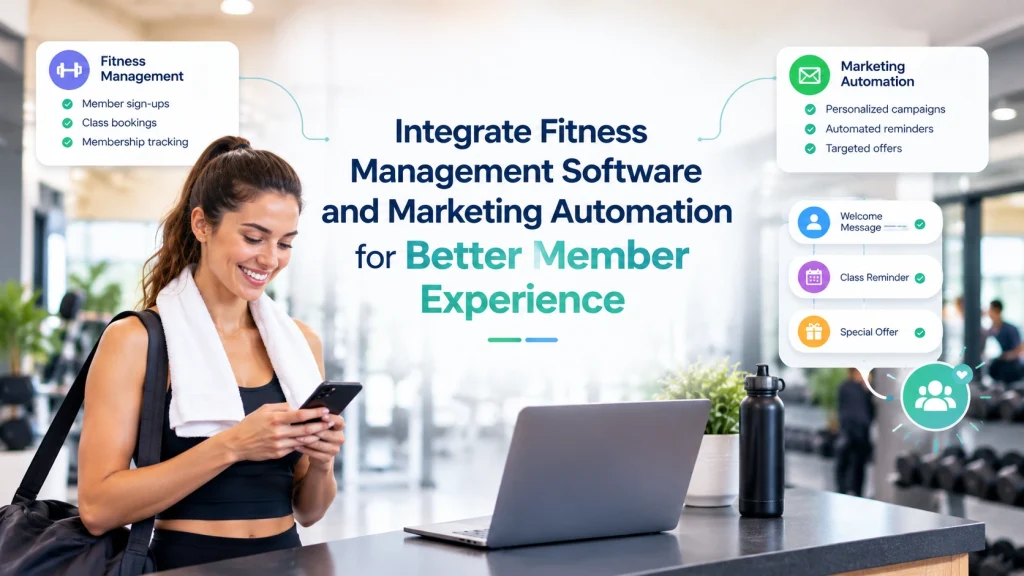
Most gyms and studios use one system to manage memberships, bookings, and payments, and a separate tool to send emails, texts, and promotions. The problem is these two systems rarely talk to each other.
When your booking system does not share data with your marketing tools, members get generic messages that miss the mark. Someone who just attended a class gets a reminder to book one. A member who canceled last week receives a cheerful renewal offer. These small disconnects add up and push members away.
A well-planned fitness management software integration fixes that by connecting bookings, attendance, payments, and membership status directly to your marketing platform, so every message reflects what a member actually did, and engagement runs automatically. This guide covers how to set it up, which data to map, how to choose the right method, and how to measure results.
Why This Integration Matters for Member Experience
Imagine your gym sending a class reminder for a session a member already canceled, or a “we miss you” email the day after they visited. That is what happens when member data stays locked in one system while marketing runs blind in another.
Connecting these systems solves three common problems:
Late responses to dropping engagement. Without live data flowing between systems, staff find out about lapsed members after they have already left. By the time someone on your team notices, the window to win them back has closed. Connected systems trigger a re-engagement message automatically when attendance drops, no manual tracking needed.
One-size-fits-all messaging. When your marketing tool does not know who attended class this morning versus who has not visited in two weeks, everyone gets the same blast. Connected data lets you send a thank-you to the person who showed up and a gentle nudge to the one who did not, without extra work from your team.
Disjointed onboarding. New members often sign up and hear nothing useful for days. A connected system sends a welcome message within minutes, suggests a first class based on their membership type, and follows up if they have not booked within the first week.
When these gaps close, the results show up across the board. Members feel like the gym pays attention. Attendance rises because reminders are timely. Revenue grows because upsell offers reach the right people. That is what fitness marketing looks like when it runs on real member data instead of guesswork.
| Event from Fitness System | Automated Action | Business Outcome |
| New membership purchase | 14-day onboarding SMS + class suggestion | Higher first-month activation |
| Class booking created | 24-hour reminder with reschedule link | Reduced cancellations and no-shows |
| Payment failed | Payment recovery sequence with clear CTA | Lower involuntary churn |
The key shift is to stop treating integration as a one-time project. Member behavior changes daily, and your messaging should reflect that. Before enabling any automations, make sure marketing consent flags are properly synced so only opted-in members receive messages.
Map the Data You Need from Your Fitness Management System
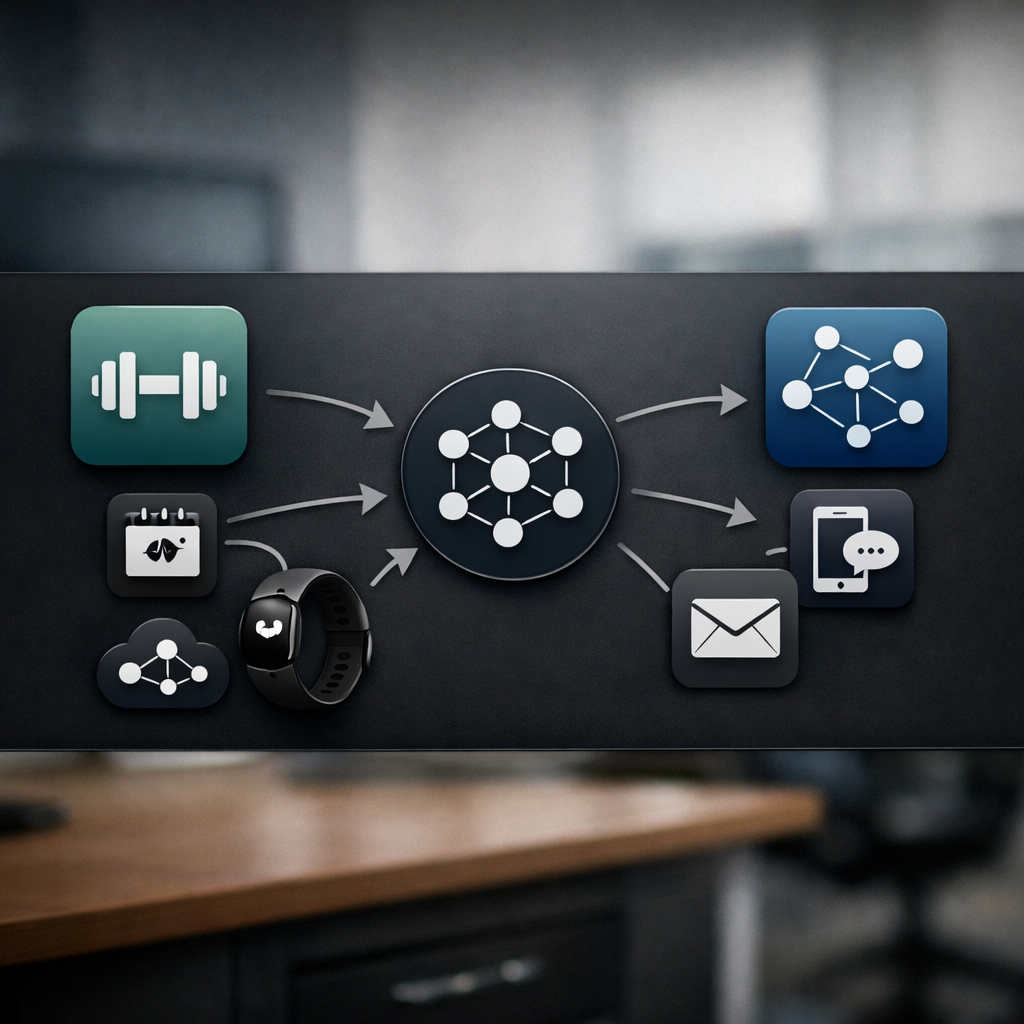
Before connecting anything, take stock of which data needs to move between systems. Skipping this is the fastest way to end up with broken automations. Here are the essentials:
- Member identity: A unique member ID from your gym software (for example, the client ID in Mindbody) mapped to a matching ID in your marketing platform. This prevents duplicate records.
- Contact details and consent: Email, phone number, and marketing consent flags. Map these first, if consent is not synced, no messages should go out.
- Membership status: Active, paused, trial, or canceled. This determines which messages a member should receive.
- Booking and attendance events: New bookings, cancellations, check-ins, no-shows, and waitlist activity with timestamps. These power your reminders and recovery flows.
- Payment events: Successful payments, failed charges, and refunds. Never sync raw card details, use tokenized references only.
Start with this list and let it run for about 30 days before adding more fields. The most common mistake is assuming more data means better personalization. In practice, syncing too many raw fields creates messy segments and unreliable automations. A clean, validated set of fields outperforms a sprawling one every time.
Before going live, validate a sample of member records: check that IDs match across systems, phone numbers are properly formatted, and every record has a consent flag. If consent data is missing or unreliable, pause and fix it before enabling any sends.
Choose an Integration Method That Fits Your Business
Once you know what data needs to flow, the next question is how to move it. The right method depends on your business size, technical resources, and how fast your automations need to respond.
Native connectors are pre-built links between your fitness software and your marketing platform. They are the fastest to set up and need the least technical knowledge. The downside is limited customization, you get only the fields the vendor supports. Great for smaller studios getting started.
Direct API integration gives full control over what data moves and how. You can build exactly the connection you need and handle large volumes efficiently. It requires developer time to build and maintain, so it makes sense for multi-location businesses with specific needs.
Webhooks push data from your fitness system to your marketing platform the moment something happens, a booking, a check-in, a cancellation. They are ideal for time-sensitive flows like waitlist notifications or no-show recovery.
If your gym management software already connects with your marketing platform, use the native connector first. It simplifies setup, reduces delays, and keeps member and booking data synchronized.
If no native integration exists, middleware platforms like Zapier or Make are a practical fallback. They work well for basic automations but can become costly at higher volumes and may not support real-time workflows as efficiently.
As automation needs grow, move time-sensitive processes such as instant waitlist notifications to direct APIs or webhooks, while keeping simpler workflows on middleware.

Step-by-Step: Setting Up the Integration
The best approach is to work in stages rather than wiring everything up at once.
Stage 1, Prepare and Define Scope
Pick two or three automations to start with, a welcome message, a 24-hour class reminder, and a no-show follow-up are reliable choices. For each, write down the trigger event and the data fields it needs. Confirm you have the right access credentials for your fitness software and marketing platform.
Stage 2, Validate with a Simple Setup
For example, set up a connection between Mindbody and Gleantap where a new booking triggers a welcome SMS with a class checklist. Run 50 to 100 test events using staff accounts. Check that messages arrive on time and that members who have not opted in receive nothing. Collect feedback for two weeks before expanding.
Stage 3, Build for Reliability
Once initial automations prove their value, upgrade the flows that need speed. Subscribe to webhooks for booking and attendance events, set up monitoring, and put deduplication rules in place using the member ID as the primary key. Always sync consent flags before automated messages go live.
Stage 4, Launch and Monitor
Roll out to 10 to 20 percent of your member base first. Watch for delivery errors, opt-out spikes, and changes in bookings and attendance. After two steady weeks, expand to your full base. Keep a close eye on booking conversion rates, attendance changes, and opt-out rates, these tell you whether the integration is helping or whether something needs adjustment.
Eight Automations That Improve Member Experience
Once your fitness management software integration is running, these automations can help improve member engagement and the overall member experience.Each is triggered by a specific event from your gym software and sends a targeted message through your marketing platform.
1. Welcome and activation. Triggered when someone buys a membership or books their first class. Send a welcome SMS within 30 minutes, follow up with an email on day two suggesting classes based on their membership type, and send a reminder on day six if they have not booked yet. This gets new members through the door in that critical first week.
2. 24-hour class reminder. Sent one day before a booked class with details, a map link, and an easy way to confirm or reschedule. A simple reminder like this can help reduce no-shows and helps the front desk plan capacity.
3. No-show recovery. When a member misses a class without canceling, send an SMS within a couple of hours offering a makeup class with a one-tap booking link. Follow up once more within 72 hours if they have not rebooked.
4. Renewal and churn prevention. Start reaching out 60 days before a membership expires. Send an informational email first, a personal note from the team at 30 days, and a targeted offer at 14 days for members at risk of leaving. Spacing these out keeps the tone helpful rather than pushy.
5. Behavioral upsell. When a member hits a usage milestone, say, eight classes in 30 days, send a personalized message suggesting a personal training package or workshop. Because the offer is based on actual activity, it feels like a natural next step rather than a random pitch.
6. Waitlist auto-enroll and notify. When a spot opens in a full class, instantly text the first person on the waitlist with a booking link and a short hold timer. This fills classes faster and gives members a better experience than checking the app repeatedly.
7. Engagement scoring. Track each member’s activity level, attendance, booking frequency, purchase history, and assign a simple score. When it drops, move them into a re-engagement campaign. When it rises, flag them for VIP treatment. This helps your team focus where it matters most.
8. Payment failure recovery. When a recurring payment fails, send an SMS with a link to update payment details, followed by an email the next day. If unresolved in three days, escalate with a final notice. This recovers revenue otherwise lost to expired cards or banking issues.
Start with the automations that solve your biggest pain point, for most gyms, that means welcome and onboarding plus payment failure recovery. Add the others once your data flow is clean and your team is comfortable with the system.

How to Measure Whether It Is Working
Integrating your systems is not the finish line, measuring what it changes is. Connect every automation to a clear business result so you can tell what is worth keeping, what needs adjusting, and what to add next.
| Metric | Where the Data Comes From | How to Measure |
| Booking conversion rate | Booking events and campaign link clicks | Bookings ÷ page views during campaign window |
| Class attendance rate | Check-in records from gym software | Attended ÷ booked sessions for the group |
| Member retention | Membership status changes | Retention at 30, 60, 90 days, compare before and after |
| Revenue per member | Payment records and add-on purchases | Total revenue ÷ members over a 90-day window |
Use campaign tags and unique tracking links for every automation so you can tie results back to specific messages. When possible, keep a control group that does not receive the automation so you can measure actual lift. Set clear time windows, 24 hours for class reminders, 7 days for reactivation campaigns, and stick to them when reporting.
Tie every automation to one clear metric. If attendance is the goal, track attendance, not open rates. Open rates tell you whether people saw the message, but attendance tells you whether it actually changed behavior.
Privacy, Consent, and Keeping Things Running Smoothly
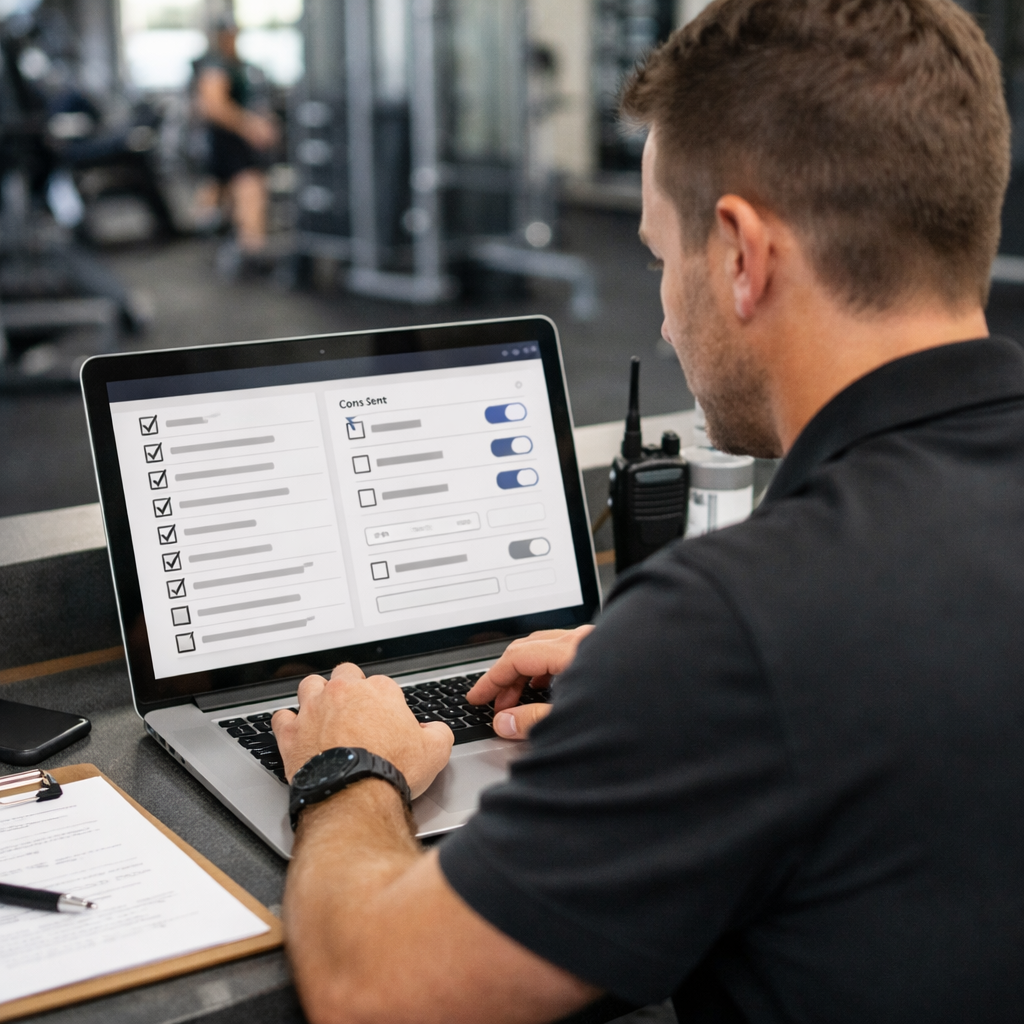
No automation should go live until consent is properly handled. Before any message reaches a member, you need to know they agreed to receive it, when they agreed, and on which channel.
- Single source of truth: Map one consent field in your marketing platform to one field in your fitness software. Do not create multiple copies of the same flag, that is how members get messages they never agreed to.
- Record the details: Store when and where consent was given, front desk, mobile app, or online checkout. This is your proof if anyone questions a message.
- Respect the channel: Email consent does not cover SMS. Capture permission for each channel separately.
- Automate suppression: Unsubscribes, bounced addresses, and do-not-contact requests should sync back to your fitness software automatically so no system sends a message it should not.
- Block sends when consent is missing: Your automation should check the consent flag, its timestamp, and the suppression list, in that order, before any message goes out.
Take a boutique gym that captures consent at in-person checkout. Their front desk records the opt-in flag, timestamp, and source in Mindbody.
Limit who can publish automations to a small group with clear approval steps. Run a monthly check on consent records, total opt-ins by source, suppression list size, and recent opt-outs. This keeps your fitness marketing efforts clean and your compliance posture strong.
Common Problems and How to Fix Them
Most integration problems are fixable if caught early. Here are the issues that come up most often:
| Problem | Likely Cause | What to Do |
| Automations not firing | Event delivery failure or data format mismatch | Check delivery logs, verify format, replay events |
| Duplicate messages | Duplicate contacts from mismatched member IDs | Deduplicate using member ID, merge existing records |
| SMS not sending | Consent flag not synced or provider suppression | Check opt-in mapping and provider suppression list |
| Late status updates | Middleware batching or rate limits | Adjust polling or switch to webhooks |
A regional studio using Mindbody and Gleantap ran into repeated duplicate records for walk-in registrations. The booking system was sending one type of client ID while the point-of-sale system sent a different member number. The fix was straightforward: standardize on the Mindbody client ID as the single identifier in the marketing platform and run a cleanup to merge duplicates. After that, attendance-based automations matched the right people.
When something breaks, start with five checks: look at raw event data, confirm member IDs match across systems, verify consent flags, check for provider error codes, and replay failed events in a test environment before touching your live setup. If problems keep coming back, document what happened and assign someone to own the fix, this small habit prevents the same issues from wasting your team’s time repeatedly.
Frequently Asked Questions
Why integrate fitness management software with marketing automation?
It connects member, booking, attendance, and engagement data so gyms can trigger more relevant, timely campaigns automatically.
What can I automate after integrating my gym software?
Common automations include welcome messages, class reminders, missed-visit follow-ups, membership renewal alerts, birthday messages, and re-engagement campaigns.
Do I need a developer to set up an integration?
Not always. If your fitness management software has a native marketing integration, setup can be straightforward. More advanced workflows may require technical support.
Can integration help reduce member churn?
Yes. Attendance and membership data can trigger timely outreach to members who are becoming inactive or approaching renewal.
Can I personalize messages using member data?
Yes. You can use information such as attendance, class bookings, membership status, and engagement to make campaigns more relevant.
How do I get started with fitness marketing automation?
Connect your fitness management and marketing platforms, identify the most useful member data, and start with one or two high-impact automations before expanding.
Ready to Run Successful Marketing Campaigns and Grow Your Business?
Gleantap helps you unify customer data, track behavior patterns, and automate personalized campaigns, so you can increase repeat purchases and grow your business.
Ready to Run Successful Marketing Campaigns and Grow Your Business?
Gleantap helps you unify customer data, track behavior patterns, and automate personalized campaigns, so you can increase repeat purchases and grow your business.