
 Divya Ghughatyal
Customers reach out through email, live chat, social media DMs, SMS, and voice calls, often using more than one channel about the same issue. They expect fast, helpful answers regardless of where they start the conversation. But most businesses still manage each channel separately, so customers repeat themselves, messages get lost, and the experience feels disjointed.
Omnichannel customer service automation solves this by bringing every conversation into one place and using automation to handle the repetitive work. Instead of juggling separate inboxes, your team gets a single view of every customer interaction with full context. This guide walks you through how it works, what to set up first, and how to use AI and chatbots to make it deliver real results.
Why Omnichannel Customer Service Automation Matters Now
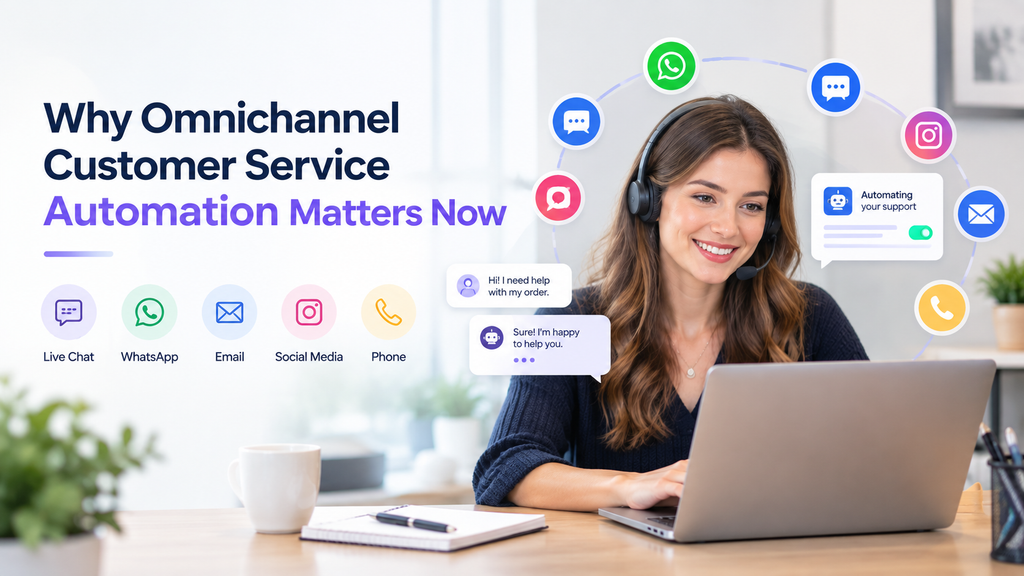
The biggest source of customer frustration today is not a slow reply on one channel, it is lost context between channels. Think about what happens when a customer emails about a billing question, chats the next day about a class schedule, and then sends an Instagram DM to follow up. If each channel is managed separately, that customer has to explain their situation from scratch every time. That kind of experience drives churn.
For small and mid-sized businesses, meeting these expectations manually is nearly impossible. Customer service automation makes it practical by handling common questions instantly, routing complex issues to the right person, and keeping all the context in one place.
Here is what this looks like in practice. A gym member texts about a missed charge, then opens a live chat to reschedule a session, and later posts a complaint on Instagram. With omnichannel customer service automation, the system links all three interactions to that member’s profile, sends an acknowledgment on each channel, routes the billing question to the right team, and offers a booking link in chat. The member gets a smooth experience, and the support team solves the actual problem instead of hunting for history across three tools.
The business impact is clear: faster response times, fewer repeated conversations, more consistent service, and lower support costs. When you improve conversions on these everyday touchpoints, the effect compounds. Each smooth interaction builds trust, and trust drives retention and referrals.
What Makes Up an Omnichannel Automation Setup
An omnichannel setup is not a single product. It is four parts working together. When they are connected properly, your customers get a seamless experience and your team gets organized workflows instead of chaos.
A unified customer profile. This is the foundation. Every customer should have one record that includes their contact details, purchase or membership history, open support requests, and past interactions across all channels. When a customer reaches out on any channel, your team and your automations should see the full picture in one place. Without this, you are just running separate automations on separate channels, faster replies, same fragmented experience.
Routing and business rules. This is the part that decides what happens when a message comes in. Should it go to a chatbot? A specific team member? A priority queue? Start with a few clear rules, like sending billing questions to the finance team and booking requests to an AI chatbot, and add more as you learn what works.
Channel connections. These are the integrations that connect your system to each communication channel: email, SMS, web chat, WhatsApp, Instagram DMs, and Facebook Messenger. Each channel has its own rules around message templates, rate limits, and opt-in requirements. Your setup should handle these differences behind the scenes so your team does not have to think about them.
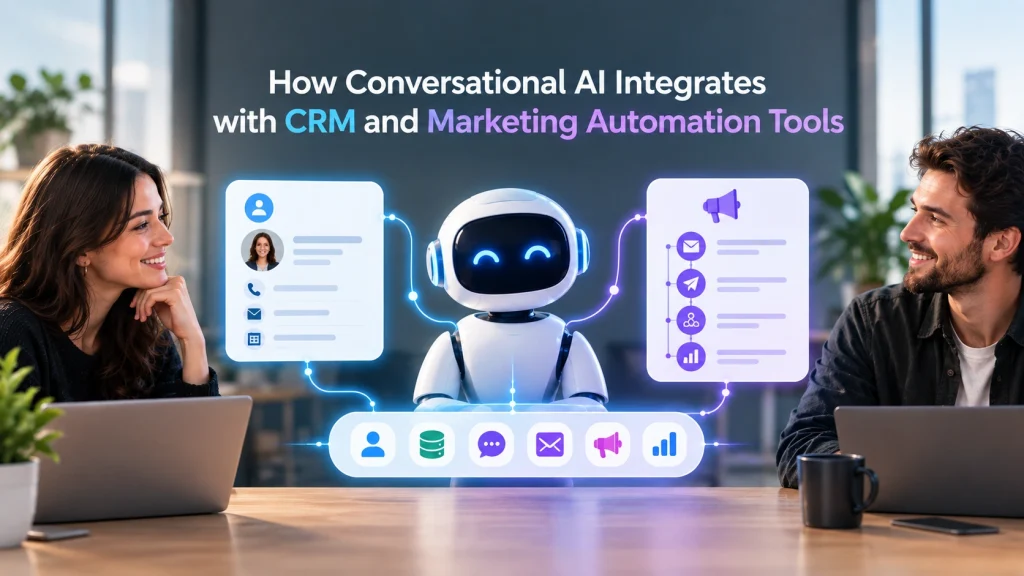
A unified inbox. This is where your team actually works. Instead of checking five different platforms, agents see all conversations in a single view with the customer’s profile, past interactions, and suggested replies alongside the message. Tools like Gleantap’s AI Omnichannel Inbox bring email, SMS, WhatsApp, web chat, and social DMs into one place, paired with complete customer profiles so your team always has context. The best unified inboxes also include conversation tagging, team assignment, and built-in calling.
If you are just getting started, focus on the unified customer profile and the unified inbox first. These two pieces deliver the biggest immediate improvement because they eliminate lost context, the root cause of most customer frustration.
How AI and Chatbots Power Customer Service Automation
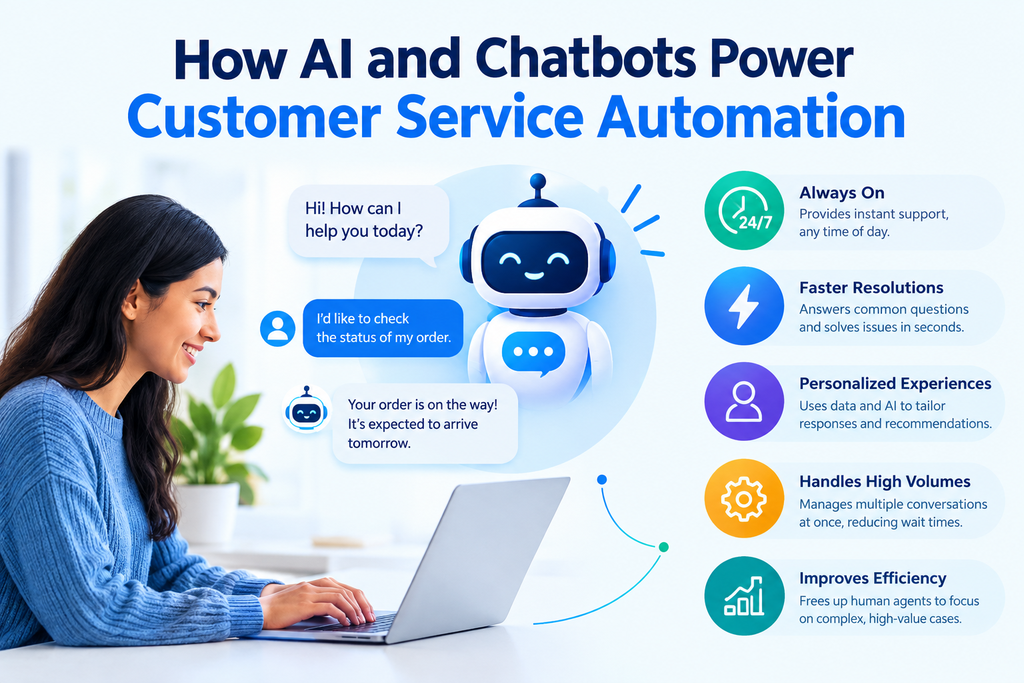
AI is what takes customer service automation from simple auto-replies to genuinely helpful, personalized interactions. Rather than sending a canned response when someone reaches out, AI-powered tools can understand what a customer is asking, pull up the right information, and respond in a way that feels natural.
Conversational AI and chatbots. Modern chatbots have come a long way from the clunky, menu-driven bots of a few years ago. Conversational AI can understand free-text questions, hold multi-turn conversations, and take actions like booking appointments or looking up account details. When a prospect visits your website at 10 PM and asks about pricing, a well-trained AI agent can answer their question, walk them through options, and book a trial visit, all without a human involved. This always-on responsiveness helps you improve conversions, because leads get answers in seconds instead of waiting until the next business day.
AI agents across channels. The real power comes when AI agents work across every channel, not just web chat. An AI agent that can handle SMS conversations, respond to Instagram DMs, reply to emails, and even answer phone calls gives your business true 24/7 coverage. When customers get helpful, instant responses on the channel they prefer, it builds confidence and moves them through your conversion funnel optimization process without requiring more staff hours.
Training AI to represent your brand. For AI to work well, it needs to know your business. That means feeding it your FAQs, policies, pricing, hours of operation, and common questions. A good platform lets you upload this information, set the tone you want, and control how the AI responds to different situations. The AI should act like a knowledgeable front-desk representative rather than a generic chatbot.
Smart handoffs from AI to humans. No AI handles everything perfectly. The best setups recognize when a conversation needs a human touch, because the customer is frustrated, the question is too complex, or the situation involves something sensitive like a billing dispute. When the AI hands off, it should pass along full chat history and context so the agent picks up right where the AI left off.
AI and chatbots are especially valuable for small healthcare teams. A clinic with a limited administrative staff cannot monitor phone calls, website chats, patient portals, and social media inquiries all day. An AI agent handles appointment requests, basic patient questions, and after-hours inquiries, while healthcare staff step in for conversations that require medical expertise, personalized guidance, or urgent attention.
Channel-by-Channel Automation Strategies
Each channel has different strengths, and your automation should play to them rather than forcing the same approach everywhere.
Email: structured responses and documentation. Email works best for situations that need a written record, involve attachments, or require step-by-step resolution. The first automation to set up is an instant acknowledgment that confirms receipt, provides a reference number, and sets a clear timeline. From there, build automated workflows for common requests like billing inquiries, membership changes, or refund processes.
A billing acknowledgment might look like this: “Hi Sarah, thanks for reaching out about your billing question. We’ve opened conversation #4521 and a team member will review your account within 24 hours. If you have your invoice number handy, reply with it to help us speed things up.” That kind of message is simple, sets expectations, and cuts down on follow-up messages asking for status updates.
Chat: fast answers and instant bookings. Live chat and chatbots are ideal for quick, action-oriented interactions. Booking a class, checking a schedule, asking about pricing, or confirming an appointment can all be resolved in under a minute. Build your chat flows around the most common actions your customers take and keep them short and direct.
A fitness studio might set up a chat flow where visitors choose from “Book a trial,” “See class schedule,” or “Talk to someone.” The booking option walks them through selecting a day and time, confirms the session, and sends a calendar invite. This kind of flow can cut time-to-book from a phone call down to about 90 seconds and free up front desk staff to focus on walk-ins. That kind of conversion rate optimization directly increases revenue without adding headcount.
Social media: reputation management and quick routing. Social channels like Instagram and Facebook are public-facing, so speed and tone matter more than depth. The goal is to acknowledge the customer quickly, move the conversation to a private channel if needed, and make sure complaints do not sit unanswered publicly. Set up automated DM responses that collect basic information and set expectations. Social automation should focus on fast acknowledgment and routing, not full resolution.
One important note: platforms like WhatsApp and Facebook Messenger have specific rules about automated messaging, including template approvals and opt-in requirements. Build these into your setup from the start so your automations stay compliant.
Designing Smooth Handoffs from Automation to Humans
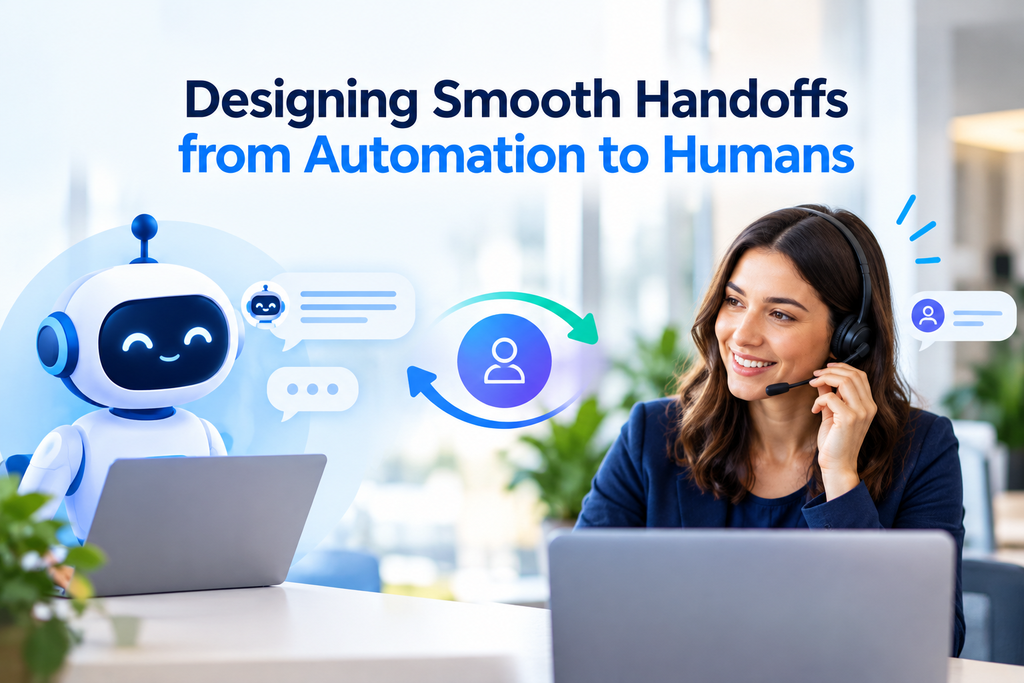
Automation handles the volume. Humans handle the nuance. The handoff between the two is where most businesses either earn the customer’s trust or lose it. A bad handoff, one where the customer has to repeat their entire story to a new person, undoes all the goodwill your fast automated responses created.
Decide in advance when automation should step aside and what information should travel with the conversation. A handoff should happen when the customer asks to speak with a person, the question involves something sensitive like a billing dispute, the AI is not confident it has the right answer, or the customer has reached out multiple times about the same issue.
When a handoff happens, the human agent should see a brief summary of the conversation, the customer’s profile and history, any open conversations, and what the automation already tried. That way the agent can jump straight into solving the problem instead of asking, “Can you tell me what happened?”
Here is how this plays out. A customer messages a retail brand on Instagram saying they were charged twice for an online order. The AI detects a billing issue, acknowledges the message, and verifies the customer’s identity. The system creates a support ticket and assigns it to the billing team along with the conversation transcript, order details, and payment history. The specialist responds with full context within minutes. The customer never has to explain the issue twice.
Time limits matter too. If a chat handoff is not picked up by a human within five minutes, it should automatically escalate to the next available agent. For email, a 30-minute window before escalation is reasonable. Getting handoffs right is critical for customer retention and sales because a frustrated shopper stuck between a bot and a human is far less likely to complete a purchase, place a repeat order, or remain loyal to the brand.
Measuring What Matters
Automation without measurement is just guesswork. Track a few key numbers so you know whether your automations are helping customers and saving your team time, or just creating the appearance of speed while problems pile up.
First response time measures how quickly a customer gets their first reply, whether from a bot or a person. Track it per channel and aim to bring it down steadily. A reasonable goal is email responses under 30 minutes and chat responses under 60 seconds within your first 90 days.
Containment rate tracks what percentage of inquiries are fully resolved by automation without a human stepping in. For common requests like booking confirmations and simple FAQs, aim for 40 to 50 percent within 90 days.
Customer satisfaction (CSAT) keeps everything honest. If your containment rate is climbing but customer satisfaction is dropping, your automation is deflecting people rather than helping them. Always measure these two together.
Escalation rate shows how often automated conversations need a human. Some escalation is expected, but if it is consistently above 25 percent for routine requests, your automation needs tuning, either the chatbot is not trained on the right content or the flows need simpler paths.
Cost per conversation gives you the business case. Divide your total support costs by the number of conversations closed. A 20 to 40 percent reduction within 90 days is realistic for businesses that automate booking confirmations, simple billing questions, and FAQ responses.
These metrics feed directly into your conversion rate optimization efforts. When you can see which channels and automations are resolving issues fastest and keeping customers happiest, you can double down on what works and fix what does not. Review your numbers weekly in the early days, then shift to monthly once your automations are stable.
Getting Started: A Practical Approach

You do not need to automate everything at once. The businesses that get the best results from omnichannel customer service automation start small, learn fast, and build from there.
In your first 30 days, focus on the basics. Set up a unified inbox that connects your most-used channels. Create automated acknowledgments for incoming messages so every customer gets an instant response. Build one simple chatbot flow for your most common request, booking an appointment or answering pricing questions. Establish your baseline metrics so you know where you are starting from.
In months two and three, connect your automation to your other business systems. Link your inbox to your CRM or booking software so customer profiles stay current. Set up routing rules so different question types go to the right team members. Train your AI agent on your business content, FAQs, policies, service details, so it handles more conversations on its own. Define handoff rules so the transition from bot to human is smooth.
After 90 days, review what is working. Look at your containment rate, customer satisfaction, and response times. Identify where automation is handling things well and where customers are still falling through. Use that information to refine your chatbot responses, adjust your routing, and expand automation to additional channels or request types.
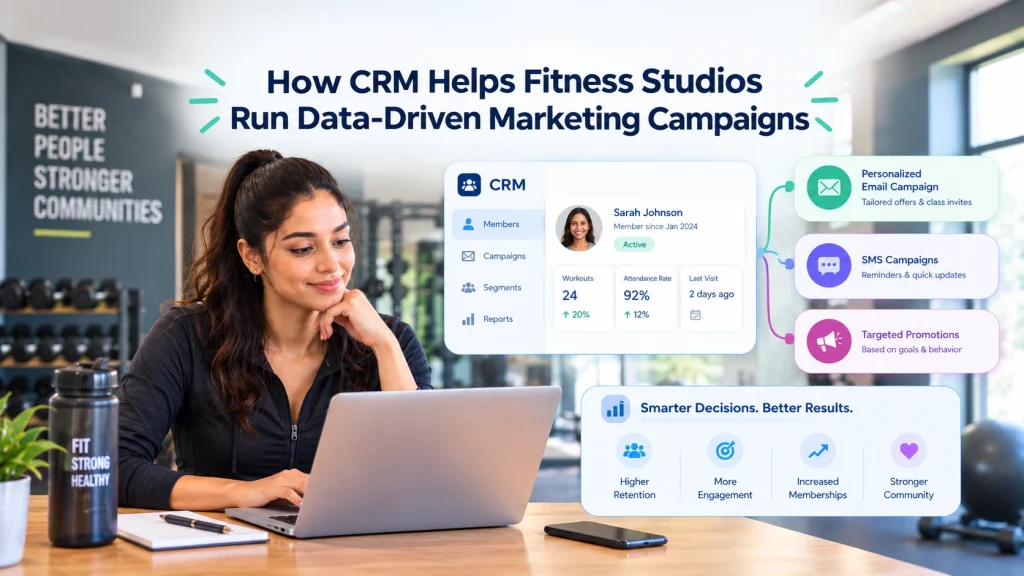
For a fitness studio or gym, a practical starting setup might be a platform like Gleantap that covers SMS, email, web chat, and social media in one unified inbox with built-in AI agents, connected to your booking system. That gives you immediate coverage on the channels your members use most, with conversational AI handling routine conversations and your team stepping in for the rest.
The most important thing is to start. Every week you spend managing channels in separate tools is a week of lost context and slower responses. Pick the channels where your customers reach out most, connect them, automate the repetitive work, and let your team focus on conversations that need a human.
Frequently Asked Questions
How do I pick the first channel to automate?
Start with the channel that has the highest volume of repetitive requests. For most local businesses, that is email or SMS for confirmations and billing questions, followed by chat for scheduling. Automate that channel first, measure the results, and then expand.
Can automation handle sensitive issues like billing disputes?
Automation should handle the initial steps: acknowledge the message, verify the customer’s identity, collect the relevant details, and create a support conversation. The actual resolution should be handled by a trained team member. Automating the intake saves time while keeping the sensitive part in human hands.
How do I keep a consistent voice across all channels?
Use a single set of approved message templates and tone guidelines that cover every channel. Store them in your inbox platform so both your team and your AI agent use the same language. Update them in one place and the consistency follows everywhere.
How does a small team handle after-hours coverage?
This is where AI agents and chatbots make the biggest difference. Set up automated responses and self-service flows that handle common requests around the clock. For anything that truly needs a human, send an acknowledgment with a clear timeline for when someone will follow up. A conversational AI agent that can book appointments and answer FAQs at midnight means you never miss a lead, even when your team is off the clock.
Will automation hurt my customer satisfaction scores?
Only if it is done poorly. Bad automation means dead-end chatbot conversations, no path to a human, or generic responses that do not help. Good automation removes delays, eliminates repeated questions, and gives agents the context they need. The key is smooth handoffs and continuous improvement based on customer feedback.
Ready to Run Successful Marketing Campaigns and Grow Your Business?
Gleantap helps you unify customer data, track behavior patterns, and automate personalized campaigns, so you can increase repeat purchases and grow your business.
Ready to Run Successful Marketing Campaigns and Grow Your Business?
Gleantap helps you unify customer data, track behavior patterns, and automate personalized campaigns, so you can increase repeat purchases and grow your business.