
 Divya Ghughatyal
Missed appointments hollow out revenue and make staffing a guessing game for gyms, salons, clinics, and boutique studios. These examples of customer loyalty and customer loyalty programs show straight-forward, measurable tactics, messaging cadences, point-based rewards, deposits, and waitlists, that reduce no-shows and improve customer loyalty so you get more repeat bookings. For each example you’ll find what was done, the impact, the channels and tools used, and a short how-to you can try this week.
1. Drybar Barfly Rewards and automated appointment reminders
Concrete point: Drybar shows how a loyalty program that rewards attended appointments, paired with automated reminders and simple confirmations, reduces no-shows and lifts repeat booking frequency. The program treats attendance as the behavior worth paying for, not just the initial booking.
What Drybar did and why it matters
Program design: Drybar built Barfly Rewards around points for completed services, an integrated mobile booking experience, and reminders that push customers to confirm or cancel. That alignment makes the cost of missing a booked slot visible and gives customers an immediate reason to rebook.
Reminder mechanics: Use a two step reminder sequence: an initial message at about 72 hours and a confirmation request 24 to 48 hours before the appointment, plus a final 12 hour reminder for peak slots. Two-way SMS or a one-tap confirmation link is vital. If a customer cancels, release the slot to a waitlist automatically.
Why it reduces no-shows: The loyalty points create a tangible short term benefit for attending while confirmations and waitlist automation reduce administrative lag. People respond to immediate, simple incentives and to brief actions like tapping Confirm. Automated messaging has independent evidence for lowering missed appointments; pair that with rewards and the effect compounds.
Tradeoffs and limits: Rewards cost margin. If points are too generous they subsidize attendance that would have happened anyway. If confirmations are too aggressive they irritate customers. Set a cap on redemptions, tie points to minimum spend, and test reminder frequency for your clientele before scaling.
- Replication checklist: Offer points only for completed appointments, not for bookings.
- Replication checklist: Send reminders at 72 hours and 24 hours with a one-tap SMS confirmation.
- Replication checklist: Use a waitlist that auto-offers canceled slots.
- Replication checklist: Award points instantly after attendance and follow with a tailored rebooking incentive.
- Replication checklist: Track show rate and 30 day rebooking rate before and after the program.
Concrete example: Drybar ties Barfly points to completed blowouts and uses mobile app bookings so customers see their points balance when they schedule. Industry reporting credits Barfly with higher visit frequency and fewer late cancellations after reminders and in-app nudges were layered on top of the loyalty program. This is not theoretical: automated messaging backed by simple incentives drives measurable behavior change in salons.
Practical judgment: If you run a salon or boutique studio, prioritize making the reward conditional on attendance and minimize friction around confirmations. Small incentives that arrive immediately after service are more powerful than large future discounts. Remember that loyalty programs work as behavioral levers; they are not a permanent discount channel.
Key takeaway: Pairing two-step automated reminders with a points-for-attendance loyalty program reduces no-shows more reliably than reminders alone. For evidence on reminder effectiveness see NHS England.

2. ClassPass credit system plus cancellation penalties
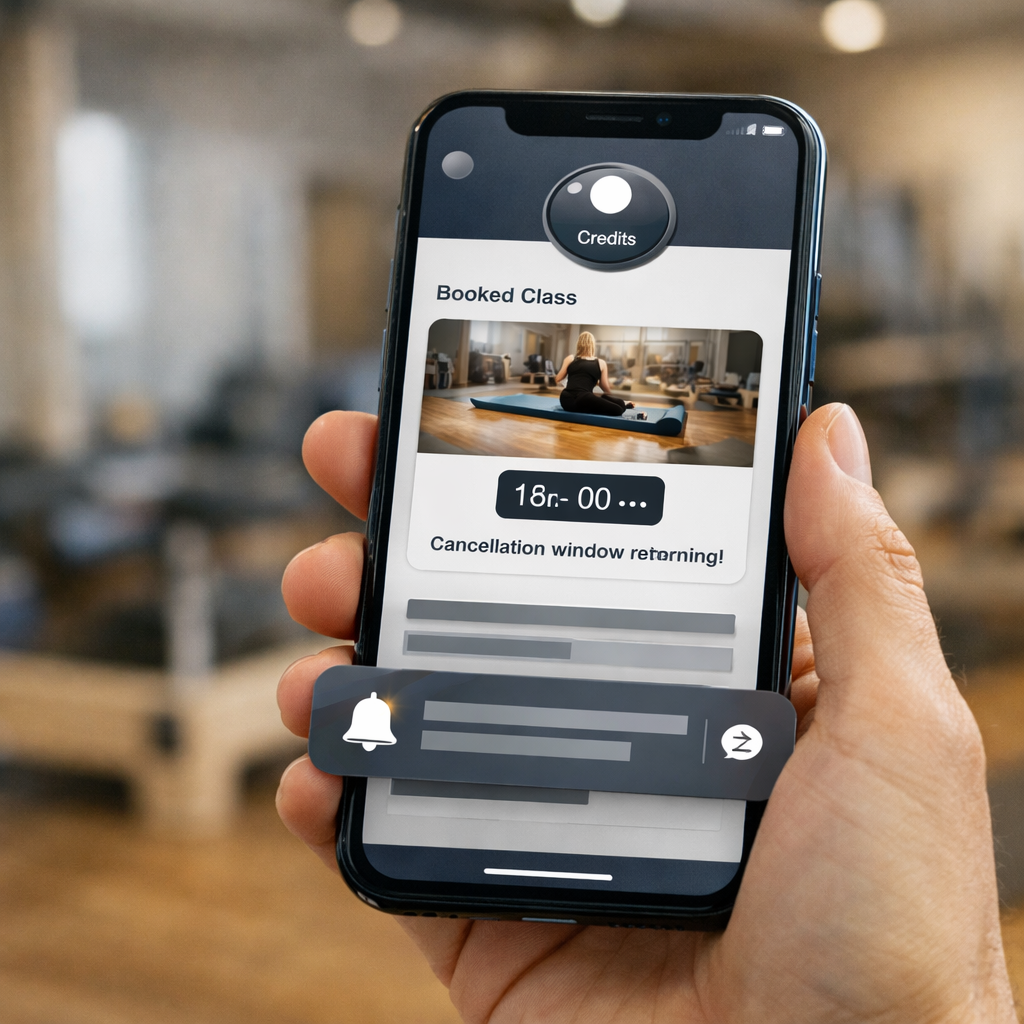
Direct point: Making the cost of a reserved spot visible and immediate changes customer behavior more than polite reminders alone. ClassPass did this by turning classes into redeemable credits and enforcing clear cancellation windows, which makes no-shows feel like a real loss instead of an abstract inconvenience.
Why it works for studios: Credits convert opportunity cost into a tangible item customers track. When customers see a finite credit balance, they weigh whether to spend or save. Pair that with a short cancellation window and a penalty for late cancelations, and you remove the ambiguity that encourages last-minute ghosts.
How ClassPass framed the system
System elements: Class booking as credits, an explicit cancellation policy, in-app credit accounting, and push/SMS reminders tied to the reservation.** These three pieces, visible credits, a stated penalty, and timely reminders, work together. Penalizing without visibility or reminding without a cost both underperform.
Concrete example: A boutique studio sold 10-class credit packs and treated each class as one redeemable credit. Customers booking a peak-hour class saw their credit count drop in-app and received a push notification 24 hours before class that showed the credit value they would forfeit if they canceled inside the 6-hour window. The studio kept open waitlists so canceled spots filled automatically.
- Replication steps: Convert bookings into visible credits and show their monetary value in the booking flow.
- Enforce one clear cancellation window: Shorter windows are stronger but risk alienating casuals; choose 6-24 hours depending on demand.
- Pair penalties with automated reminders: Use a 48/24/6-hour cadence and a single-tap cancel or confirm in the reminder.
- Use waitlists and automatic fills: Give customers a simple receive-slot button so staff don’t have to chase replacements.
Limitation and trade-off: Penalties change behavior, but they also raise friction. For new customers or low-cost services, visible penalties can reduce trial bookings and hurt acquisition. If you apply penalties too aggressively you shift cancellations earlier or push customers to competitors. The practical choice is to use credits and soft penalties for most classes, reserving hard deposits for premium or peak-time slots.
Judgment: The credit-plus-penalty model is not a universal win, it performs best where capacity is scarce and customers have repeat intent. If your business depends on converting casual visitors into regulars, start with a gentle credit framing, strong reminders, and a small penalty that escalates only for repeat offenders.
Key takeaway: Make the cost of a reserved spot visible, give customers clear rules, and automate the reminders and waitlist. That combination nudges attendance without turning your booking page into a battleground.
Measure this properly: Track show rate by class type and time, monitor first-time customer booking behavior, and compare rebooking rates after you introduce credits.
3. Zocdoc appointment confirmations and automated reminders in healthcare
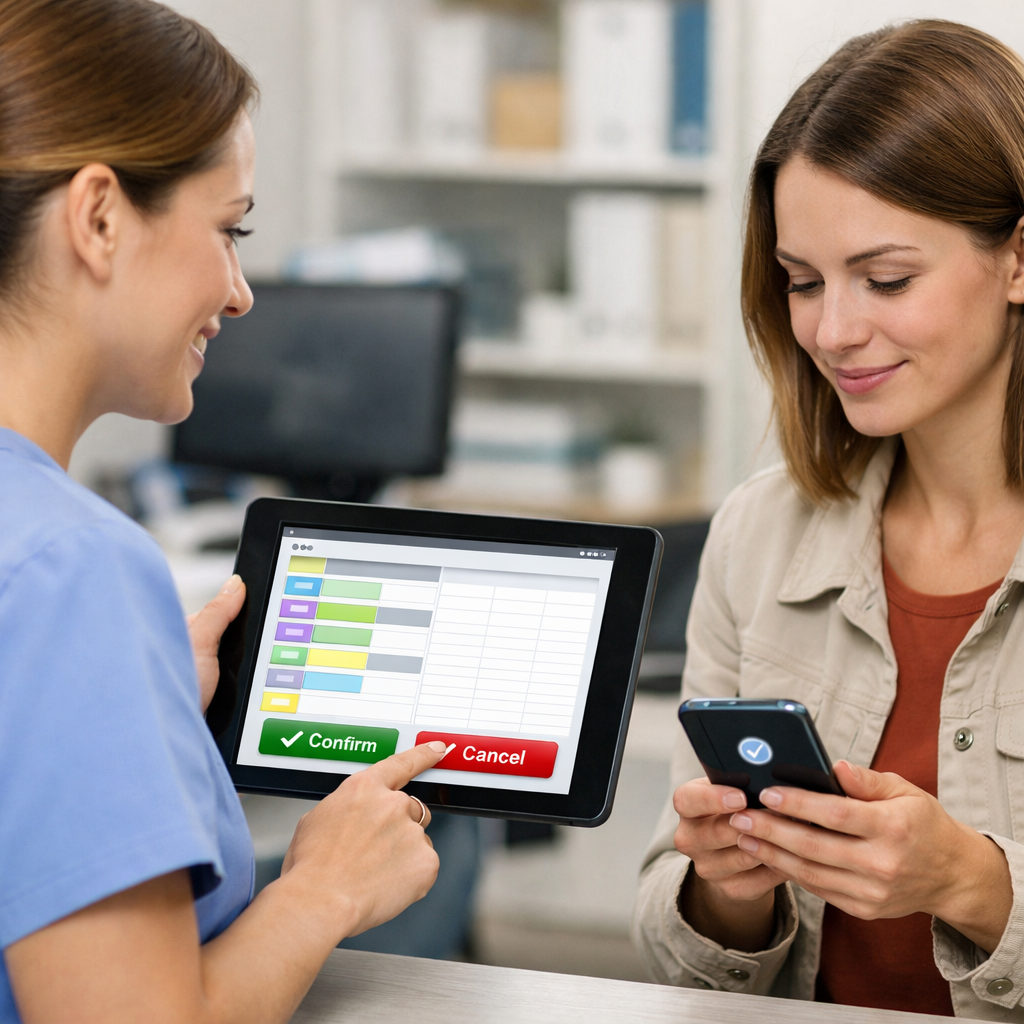
Direct point: Automated confirmations and two-way reminders, the kind Zocdoc popularized, cut missed appointments materially and free staff from repetitive calling. Clinics that pair quick confirm/cancel actions with a short waitlist fill workflow gain both immediate capacity and better long-term retention.
Why it works in healthcare: Reminders reduce simple forgetfulness while two-way confirms convert tentative bookings into committed spots. Adding a visible consequence or reward for attending – for example offering priority rebooking to patients who confirm and keep appointments – nudges behavior without heavy enforcement.
How Zocdoc-style confirmations lower no-shows
- Two-way SMS or email confirmations: patients tap confirm or cancel, which immediately frees the slot for others when canceled.
- Calendar invites + 24-hour reminder: reduces last-minute forgetfulness and aligns with personal schedules so the appointment is top of mind.
- Automated waitlist alerts: canceled slots go to patients on a waitlist automatically, increasing fill rates without manual outreach.
- Segmented messaging: high-risk no-show patients receive an extra confirmation or optional phone callback, preserving staff time for exceptions.
Concrete example: A suburban primary care clinic integrated online booking with automated SMS confirmations and a one-click cancel link. They deployed a waitlist that notified patients instantly when slots opened. Within a quarter they saw show rates climb by roughly 20 to 30 percent and clinician utilization improved on busy days, consistent with broader findings on text reminders reducing missed appointments.
Practical replication steps: implement confirm and cancel buttons in your reminders, collect preferred contact at booking, add a short cancellation window that triggers the waitlist, and treat confirmations as an operational signal – flagged confirmed slots need less manual follow-up.
Key stat: Automated SMS and email reminders typically reduce missed appointments by about 20 to 30 percent when paired with confirm/cancel workflows and an active waitlist.
Limitations and tradeoffs: Relying on automated messages requires accurate contact data and permission to message patients. Messages that include clinical details can trigger privacy concerns – keep reminders transactional and avoid sensitive content. Automated confirmations help most for routine visits; complex or anxiety-driven appointments still benefit from a human touch.
Judgment call most clinics miss: Many practices treat reminders as a single daily task. The effective approach is a short cadence – initial booking confirmation, a 72-hour check, and a 24-hour confirm – plus immediate waitlist fills. That combination is where you see real schedule smoothing and improved patient retention, not from a lone reminder message.
One more practical tip: tie attendance to a small operational loyalty element such as priority rebooking or a streamlined telehealth booking window for repeat on-time patients. This nudges repeat behavior without needing financial incentives and keeps the focus on access rather than discounts.
If you only do one thing: validate contact channels at booking and enable one-click confirms. Everything else scales from that simple signal.
4. OpenTable deposit and confirmation workflows for restaurants
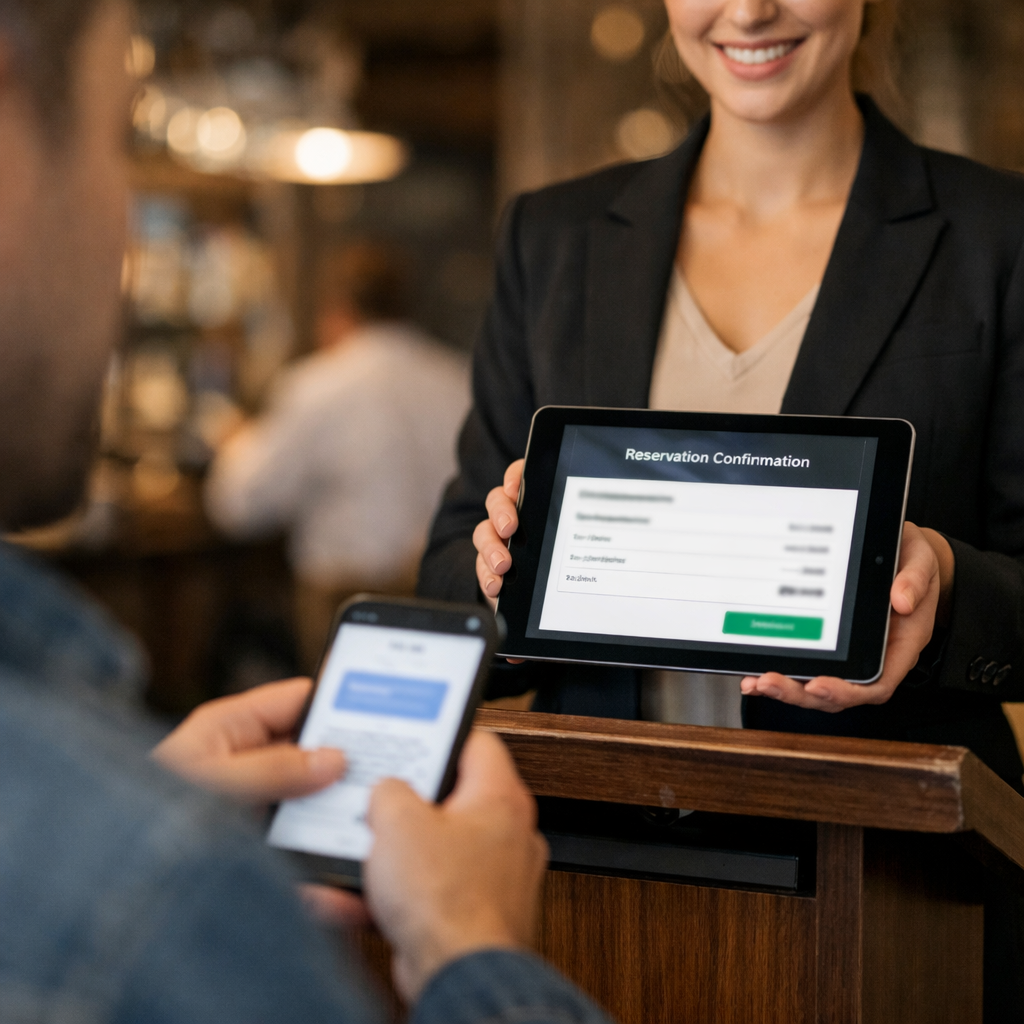
Direct effect: charging reservation deposits or card holds and layering clear previsit confirmations changes customer behavior faster than reminders alone. Restaurants that pair a small financial commitment with short confirmation windows convert tentative bookings into real arrivals and recover lost revenue when customers cancel late.
What OpenTable enabled: the platform makes it simple for restaurants to require a deposit or a credit card guarantee for specific time slots and to send automated confirmation emails and SMS. The practical result is twofold – fewer no-shows and better predictability for table-turn planning.
Why this reduces no-shows and where it fails
Behavioral logic: a refundable deposit or card hold makes the cost of not showing up tangible. Customers treat a reserved seat differently when there is money at stake or a simple one-tap confirmation to keep. That change in perceived cost is the mechanism, not the platform itself.
Limitations and tradeoffs: deposits can deter first-time guests and reduce casual walk-ins if applied too broadly. Deposits require clear refund rules and staff training to avoid disputes. For neighborhood spots that rely on goodwill and repeat walk-ins, heavy-handed deposits will cost more in lost bookings than they save in recovered covers.
Concrete example: a 45-seat bistro moved to a $10 per-person deposit for Friday and Saturday dinner bookings through OpenTable. They combined that with a confirmation email 48 hours before and an SMS reminder 12 hours before with a cancel link. The restaurant filled more waitlist spots after last-minute cancellations and recovered several no-show covers through automatic refunds when guests rebooked within policy.
- When to use deposits: apply to premium times and special events, not every slot
- How to frame it: present the deposit as a refundable guarantee to hold the table, and state the cancellation window clearly at booking
- Communication cadence: confirmation at 48 hours, reminder at 12 to 24 hours, and a final SMS with a one-tap cancel option
- Alternative for small venues: if deposits deter customers, use two-way SMS confirmations and require one-tap confirmation to release the seat to the waitlist
Measurement guidance: run the change as a controlled test for 8 to 12 weeks and track show rate, booking conversion, and net revenue per service hour. Use segmented reporting to compare new customers versus returning customers since deposits hit those groups differently.
Key takeaway: test deposits only on high-demand slots and pair them with a short confirmation sequence. If show rates improve but booking conversion drops, lower the deposit or switch to a confirmation-first workflow.
Practical judgment: deposits are effective but crude. They solve the immediate leak of no-shows for busy services, but they are not a substitute for a good confirmation workflow and clear communication. Use deposits selectively and combine them with automated reminders and easy cancel links to keep the customer experience intact.
5. Peloton scheduled live classes, community prompts, and streak incentives
Peloton turns scheduled live classes into a retention engine by pairing social pressure with small, frequent rewards. Members who sign up for a live session get nudges tied to social cues and personal progress instead of a single transactional reminder, and that changes behavior.
How the tactic works in practice: Peloton publishes a schedule of live classes, pushes calendar invites and app notifications, shows real time leaderboards during the session, and tracks streaks and badges for consecutive attendance. The combination makes missing a session publicly visible to the user and privately costly to their progress habit.
Why this reduces no-shows and improves retention
Social obligation beats a simple reminder. When a booking is tied to a live, communal event the psychological cost of skipping increases. Add a visible streak or leaderboard position and customers will often prioritize attendance to avoid losing earned status or letting teammates down.
Practical tradeoff. Live scheduling requires consistent content and the capability to notify users reliably. Small studios that cannot produce frequent live sessions should be careful: trying to mimic Peloton with low-quality or infrequent live offerings can increase churn rather than reduce no-shows. If you cannot sustain live events weekly, use community prompts and streak-like incentives around recurring booked staff slots instead.
- Concrete replication steps: Schedule recurring classes at predictable times so customers can plan around them
- Use timed reminders tied to progress: send a reminder that references streak progress or class rank 24 hours and 1 hour before
- Create low friction social cues: allow customers to opt into a small cohort or a private leaderboard to avoid alienating beginners
- Reward consistency not perfection: grant small perks after short streaks, for example a discount or priority booking after three attended sessions
Concrete Example: A regional boutique studio replaced its single reminder email with weekly scheduled live classes and a private leaderboard for members. They added two targeted push reminders and a simple streak badge awarded after three consecutive classes. Within two months the studio saw more consistent attendance for those scheduled slots and faster rebooking for peak times.
Common mistake practitioners make: Focusing on flashy leaderboards while ignoring onboarding. Public gamification can demotivate newcomers if they see top performers everywhere. In practice, segment leaderboards by experience level or use private cohorts so newcomers get wins early and continue to show up.
Tie the notification to something the customer values right now. A reminder that says you are one session from a streak reward is far more effective than a generic time and location prompt.
Key takeaway: Scheduled live sessions convert passive bookings into committed attendance when paired with social cues and immediate, attainable rewards. Start small with private cohorts and short streak thresholds to avoid alienating new customers.
If you want to pair this with messaging workflows, use segmented reminders that reference progress and follow up post-visit with a loyalty prompt to rebook.
6. Orangetheory waitlist, class capacity management, and reminder sequence
What Orangetheory proves: tightly managed class capacity plus an automated waitlist and a compact reminder sequence fills last-minute openings and protects revenue in high-volume studios. This is not fancy loyalty psychology, it is operational design that turns cancellations into immediate opportunities and makes attendance the simpler choice for members.
How the system works in practice
Core mechanics: Orangetheory keeps hard caps on class size, opens a waitlist when classes are full, and pushes automated offers to the first waitlisted member the instant a slot frees. The offer uses mobile app push or SMS with a short accept window; if the customer does not accept quickly, the system offers the slot to the next person. That immediate, time-limited offer converts many cancellations into filled seats.
- Immediate conversion: automated, first-come waitlist offers reduce the time a slot sits empty.
- Short accept window: a 5–15 minute response window forces quick decision-making and mirrors the friction of live booking.
- Three-step reminder cadence: pre-class reminder at 48–72 hours, confirmation/accept at 12–24 hours, and a last nudge 30–90 minutes before class.
Concrete use case: A 30-location studio chain implemented an automated waitlist that texts the next member with a 10-minute accept link. Before this, many late cancellations left empty treadmills. After switching on the waitlist and a three-message reminder sequence, centers reported consistently fuller classes on peak evenings and fewer last-minute empty slots, freeing staff from manual outreach and improving weekly utilization.
Practical insight and limitation: waitlists work best when members are already engaged and app-native. If your customer base rarely checks push or SMS, long accepted windows or phone calls are necessary and defeat the speed advantage. Also expect some gaming: members join waitlists as backups. Counter that by tying waitlist acceptance to a small friction (short response window) or by awarding loyalty points only for attended, not claimed, seats.
Step-by-step to replicate quickly
- Enable a waitlist for fully booked classes and order it first-come, first-served.
- Push immediate offers via SMS or app with a 5–15 minute accept window; clearly state how long the slot is held.
- Use a three-message reminder cadence: 48–72 hours, 12–24 hours with confirm/cancel actions, and 30–90 minutes before class.
- Award points or a small loyalty credit only after the member attends the class to discourage gaming.
- Track two KPIs: fill rate for waitlist-filled slots and show rate for those members; compare against baseline over 8–12 weeks.
If your members prefer phone calls or email, convert the internal flow: use waitlist offers but extend accept windows and follow with staff calls only when a high-value slot is at stake.
Key metric to monitor: measure fill rate for waitlist offers and separate show rate for waitlist accepts. An improving fill rate alongside stable show rate means the system is adding revenue without increasing no-shows.
Judgment: automated waitlists combined with a tight reminder sequence are one of the most reliable levers studios have to reduce empty slots without charging deposits. They are operationally cheap to run, scale with membership size, and preserve member goodwill, provided you pair them with attendance-based rewards and reasonable accept windows.
7. Gleantap applied example: combining SMS reminders with loyalty-driven campaigns
Direct claim: Pairing two-way SMS appointment reminders with immediate, attendance-tied loyalty rewards reduces no-shows and accelerates rebooking far more reliably than reminders alone.
Why this works: Reminders solve forgetfulness. Loyalty rewards change the economic calculation of skipping. When the reward is delivered right after a completed appointment and is clearly redeemable for the next booking, customers stop treating a booking as tentative and start treating it as part of a relationship with value.
How an applied Gleantap workflow looks in practice
- Capture contact and consent at booking: collect preferred SMS number and opt in to messages.
- Two-step two-way reminders: send an automated reminder 72 hours before and a confirmation request 24 hours before with an easy confirm or cancel reply.
- Award points only for attended appointments: immediately after checkout send a post-visit SMS awarding points and a one-click rebook link that applies a small loyalty discount or bonus points.
- Segment and escalate: customers with prior no-shows or high lifetime value receive a higher-touch sequence or a small refundable deposit requirement for high-demand slots.
- Measure and iterate: compare show rate and rebooking rate for 8 to 12 weeks, then adjust cadence or reward value.
Concrete example: A regional physiotherapy clinic used Gleantap to run the workflow above. They deployed two reminders, required a one-word confirmation 24 hours prior, and instantly sent 50 loyalty points after attending sessions that could be redeemed for 10 percent off the next booking. Within two months the clinic reported fewer last-minute cancellations and a higher percentage of clients rebooking within 30 days.
Practical insight and limitation: The immediate reward has to be meaningful but sustainable. Small gift-like rewards work better than vague future promises because the behavioral link is tight. The tradeoff is cost: if your margin per appointment is low, test smaller rewards and measure return on customer lifetime value rather than treating rewards as pure promotional spend.
Operational cautions: Over-messaging prompts opt-outs, and points that can be claimed without attendance invite gaming. Protect your program by awarding points only after the appointment is marked completed, and limit backdating or manual point adjustments.
Legal and privacy note: SMS is powerful but regulated. Keep messages short, include opt-out instructions, and store consent records.
Key metric: Track show rate and 30-day rebooking rate together. A useful early target is a measurable lift in rebooking within 30 days rather than chasing one-off show rate improvements.
Final judgment: Reminders alone are necessary but not sufficient. If your goal is to reduce no-shows and get customers back into the schedule faster, combine two-way SMS confirmations with small, immediate, attendance-tied loyalty rewards, segment by risk and value, and treat incentive cost as an investment in reduced idle time and increased lifetime value.
Frequently Asked Questions
Direct answers you can act on. Below are concise, practical responses to the operational questions owners and managers actually face when trying to reduce no-shows and build appointment-driven loyalty.
- What reminder cadence works best for appointments? A two- to three-step cadence is the sweet spot: an initial reminder 72 hours before, a confirm-or-cancel prompt 24 to 48 hours before, and a final reminder 12 to 24 hours before. Trade-off: more messages improve show rates but increase opt-outs and message costs; run a short pilot and monitor opt-out rate alongside show rate.
- Should I require deposits for appointments? Use deposits selectively for high-value or peak slots only. Deposits reduce no-shows reliably but also lower first-time conversion and complicate refunds. Consider a pilot on peak times and communicate the policy clearly at booking to avoid confusion.
- How should rewards be structured so customers show up, not just books? Award points or immediate perks only after completed appointments. Delay posting the reward until the visit is checked in or confirmed by staff to prevent customers from gaming the system. Small, immediate rewards (a discount on the next booking or a few loyalty points) outperform vague future promises.
- Can automated SMS replace staff calls without losing the personal touch? Yes, if messages are two-way and include dynamic fields like staff name, service, and a confirm button. Two-way SMS saves staff time while keeping the interaction immediate. Limit: complex scheduling questions still need human follow-up; set rules to auto-escalate replies that match certain keywords.
How do I know the program is working? Track show rate and 30-day rebooking rate by cohort. Compare the cohort booked before changes to cohorts after implementation for 8 to 12 weeks. Also watch churn and opt-out rates to avoid swapping no-shows for disengaged customers.
Operational constraints and legal considerations
Compliance matters. SMS requires opt-in and must follow local rules; the simplest path is to collect preferred contact methods at booking and store consent. Deposits and card holds have payment processing rules and chargeback risk, treat them as a last-resort lever, not a first-line fix.
Measurement nuance. Small fluctuations in show rate are normal. Use cohorts of sufficient size and run changes for at least two monthly cycles. If you only look week-to-week you will chase noise.
Practical example: A regional salon chain switched to two-step SMS confirmations plus an immediate post-visit loyalty credit that posts only after check-in. They reported a double-digit improvement in show rates and noticeably faster rebooking windows inside two months, while opt-outs remained low because messages were short and actionable.
Test plan to run this for your business: Implement changes for 8–12 weeks, compare show rate and 30-day rebooking against baseline, track opt-out and refund incidents, and iterate cadence or incentive size based on results.
Quick judgment call. If you must prioritize one change first: implement two-way SMS confirmations plus a small immediate post-visit reward. It costs little to test, scales quickly, and addresses both no-shows and rebooking. Use deposits only after you understand the conversion impact and customer sensitivity.
Next actions (do these this week): 1) Set up a two-step SMS cadence with confirm/cancel; 2) Configure your loyalty system to award points only after completed check-in; 3) Define your 8-week test cohort and baseline metrics; 4) Monitor opt-outs and refund incidents weekly and adjust cadence or incentives accordingly.
Ready to Run Successful Marketing Campaigns and Grow Your Business?
Gleantap helps you unify customer data, track behavior patterns, and automate personalized campaigns, so you can increase repeat purchases and grow your business.
Ready to Run Successful Marketing Campaigns and Grow Your Business?
Gleantap helps you unify customer data, track behavior patterns, and automate personalized campaigns, so you can increase repeat purchases and grow your business.